



Give your space a focal point.
Start with the corner, doorway or table you want to transform.








Free worldwide shipping
Free returns
Carbon neutral
Secure payments
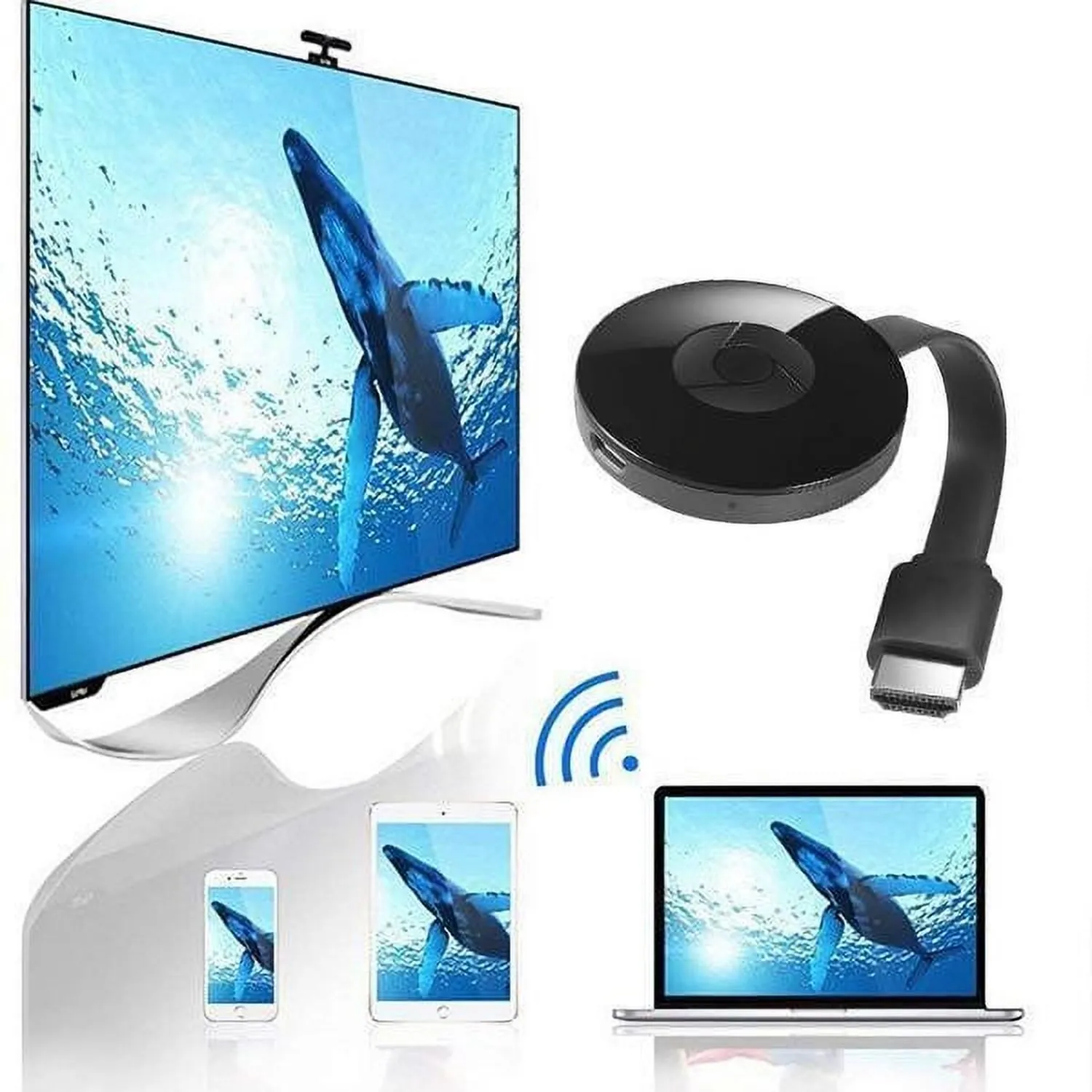
Wireless Screen Mirroring
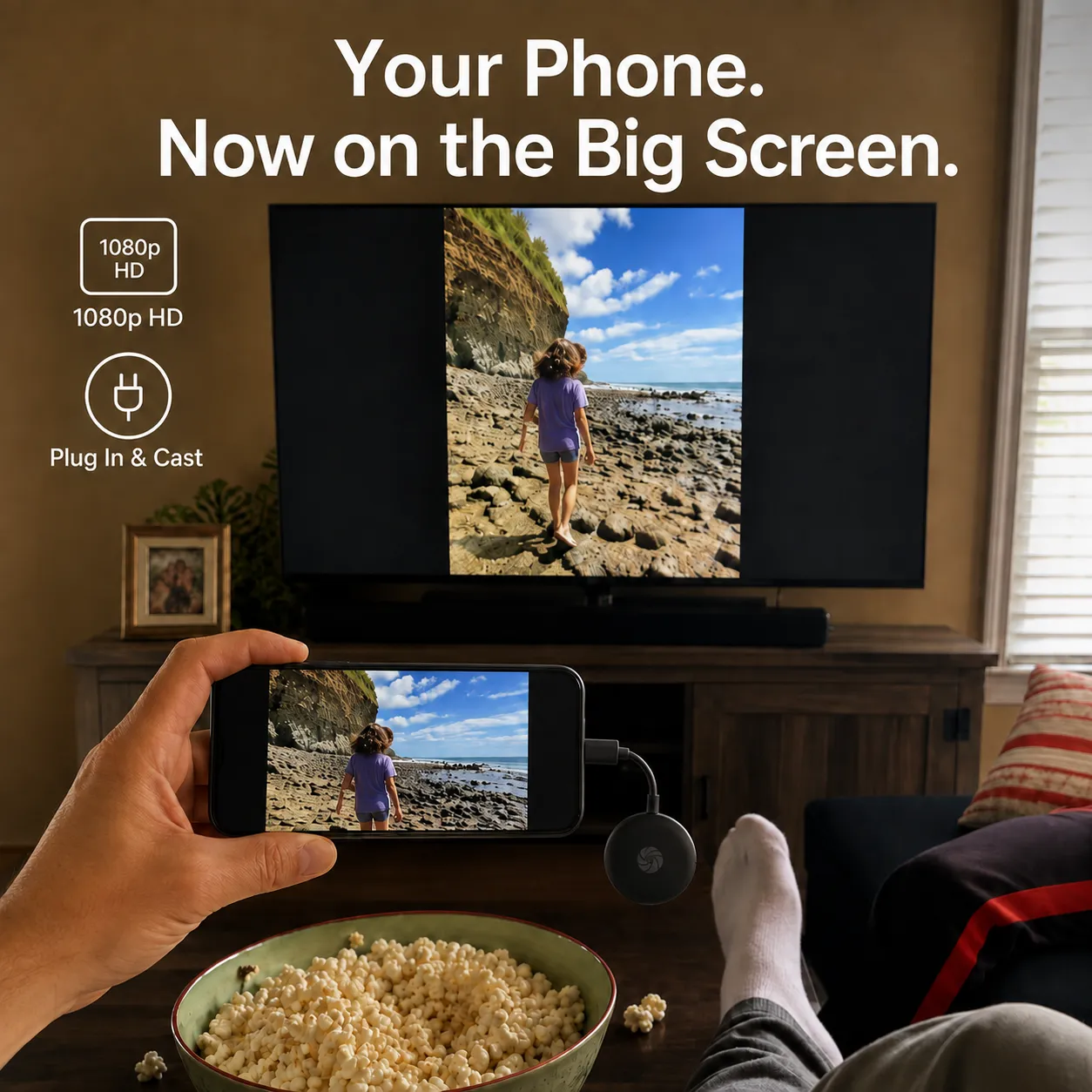
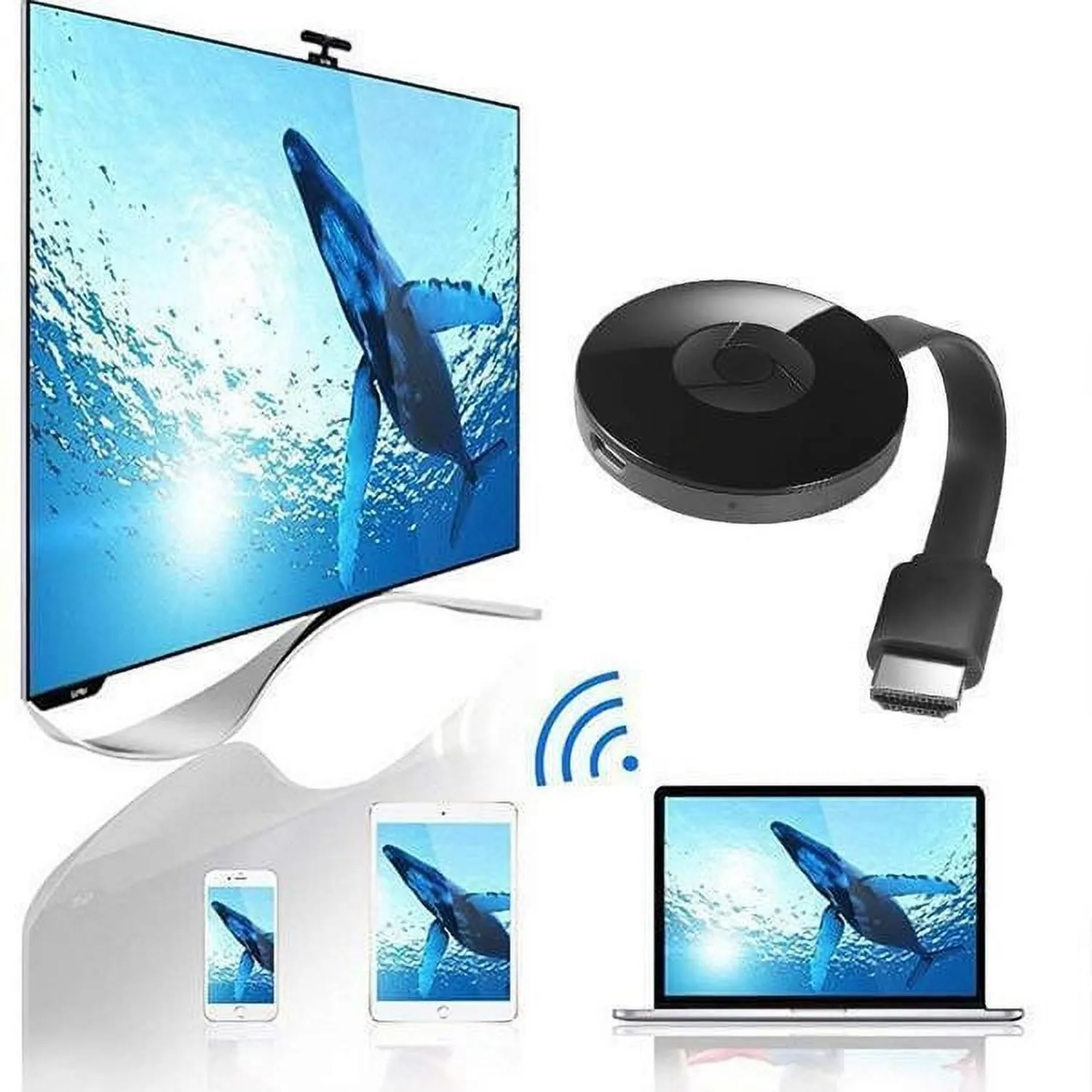
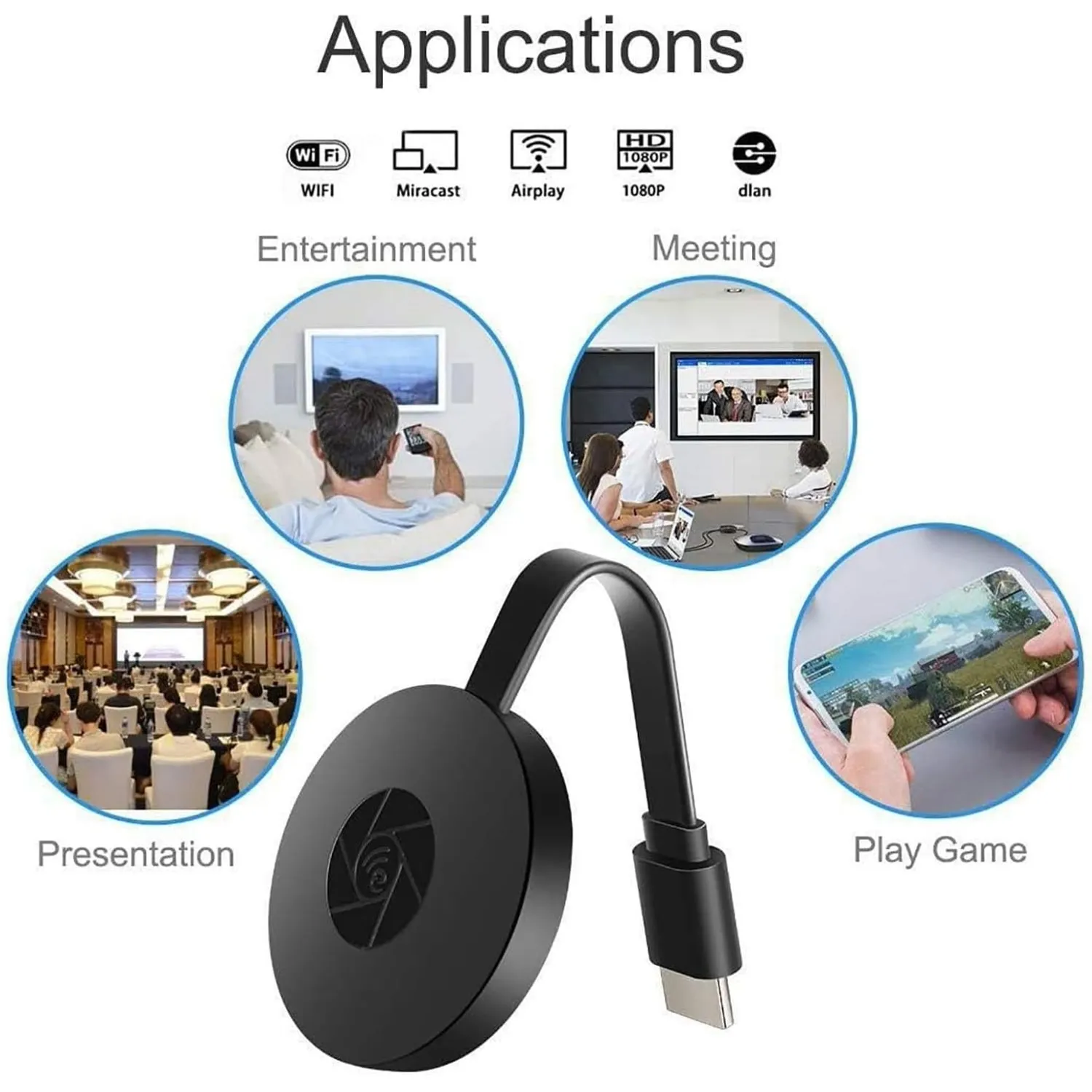
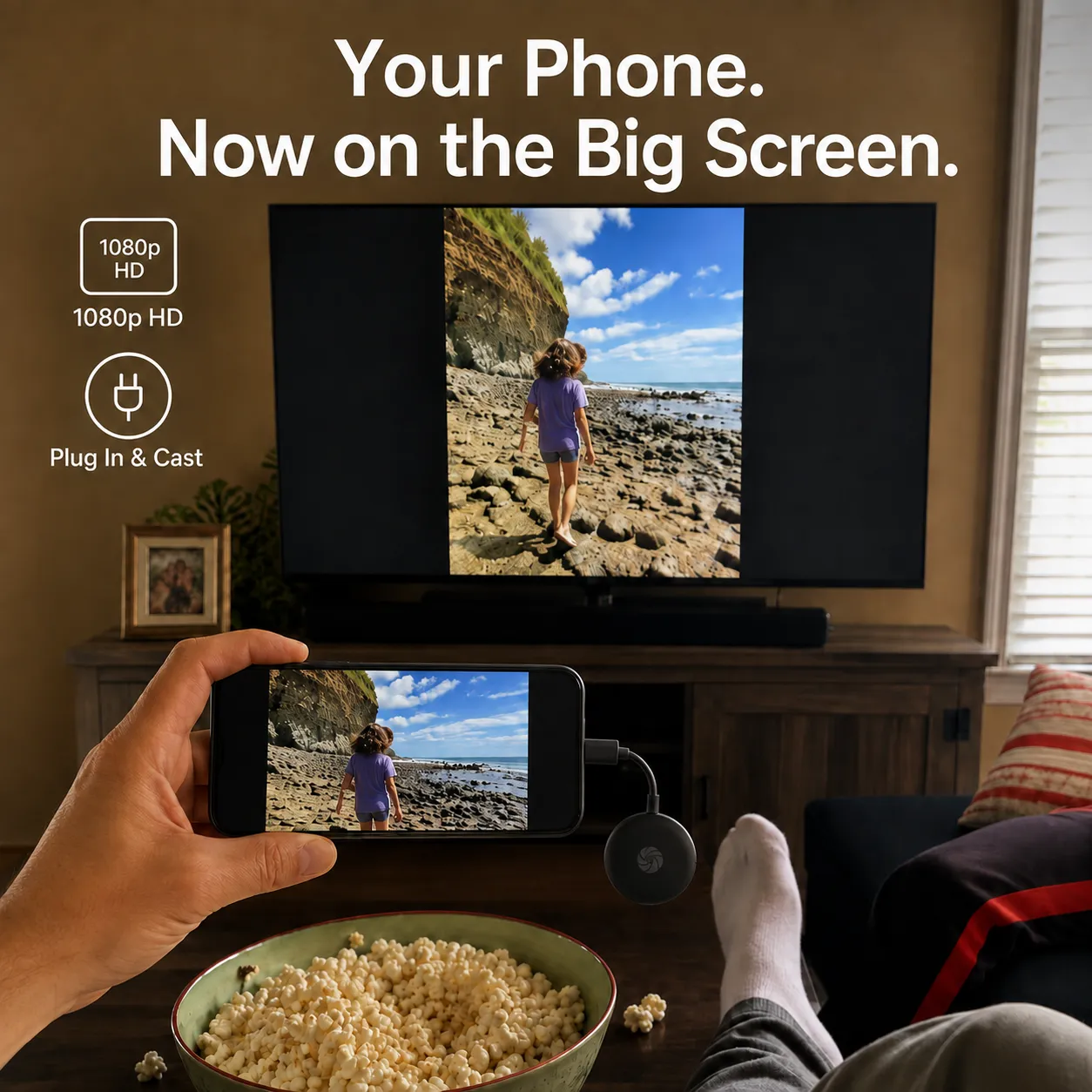
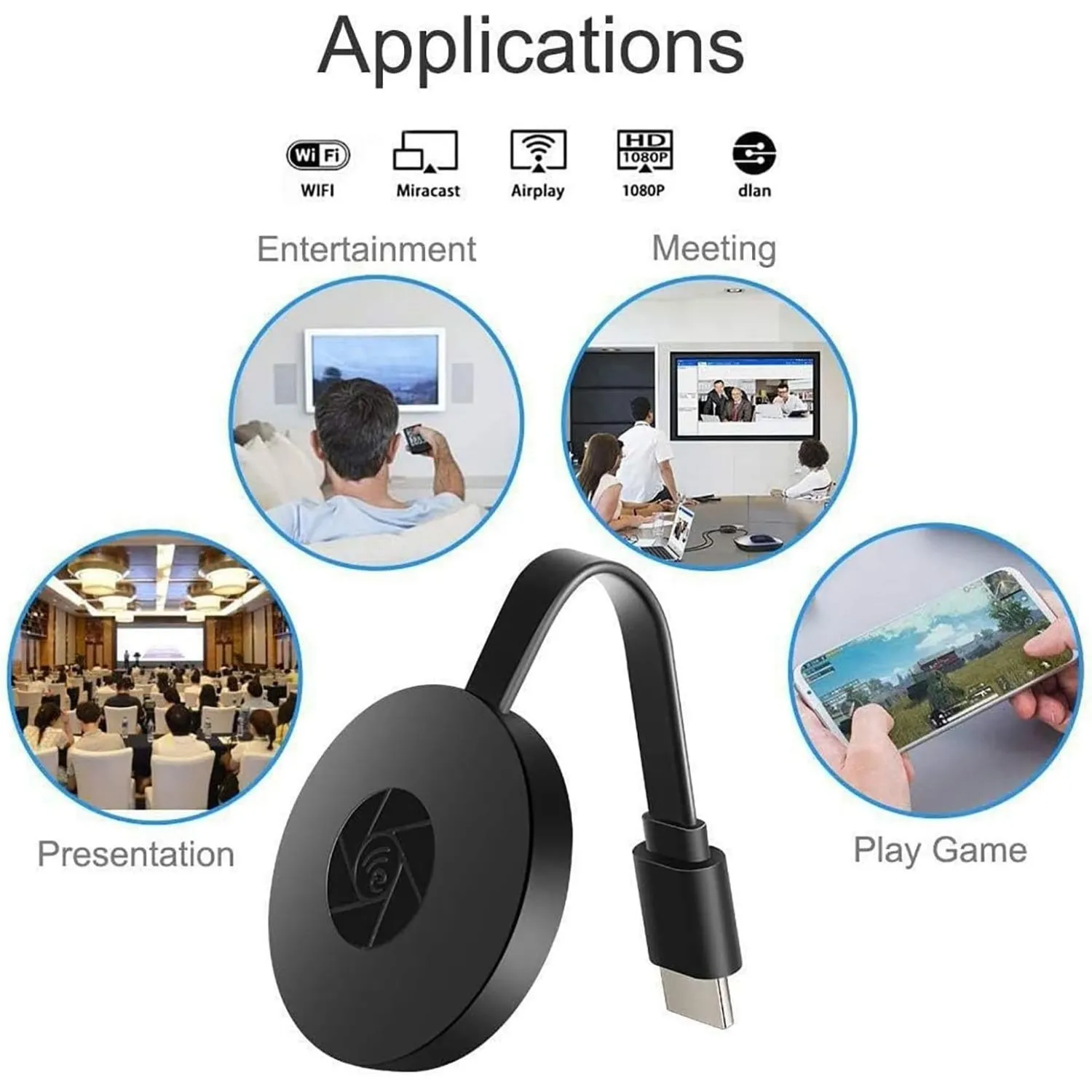
Share photos, presentations, videos, and more from a compatible phone, tablet, or computer—without running a long cable across the room.
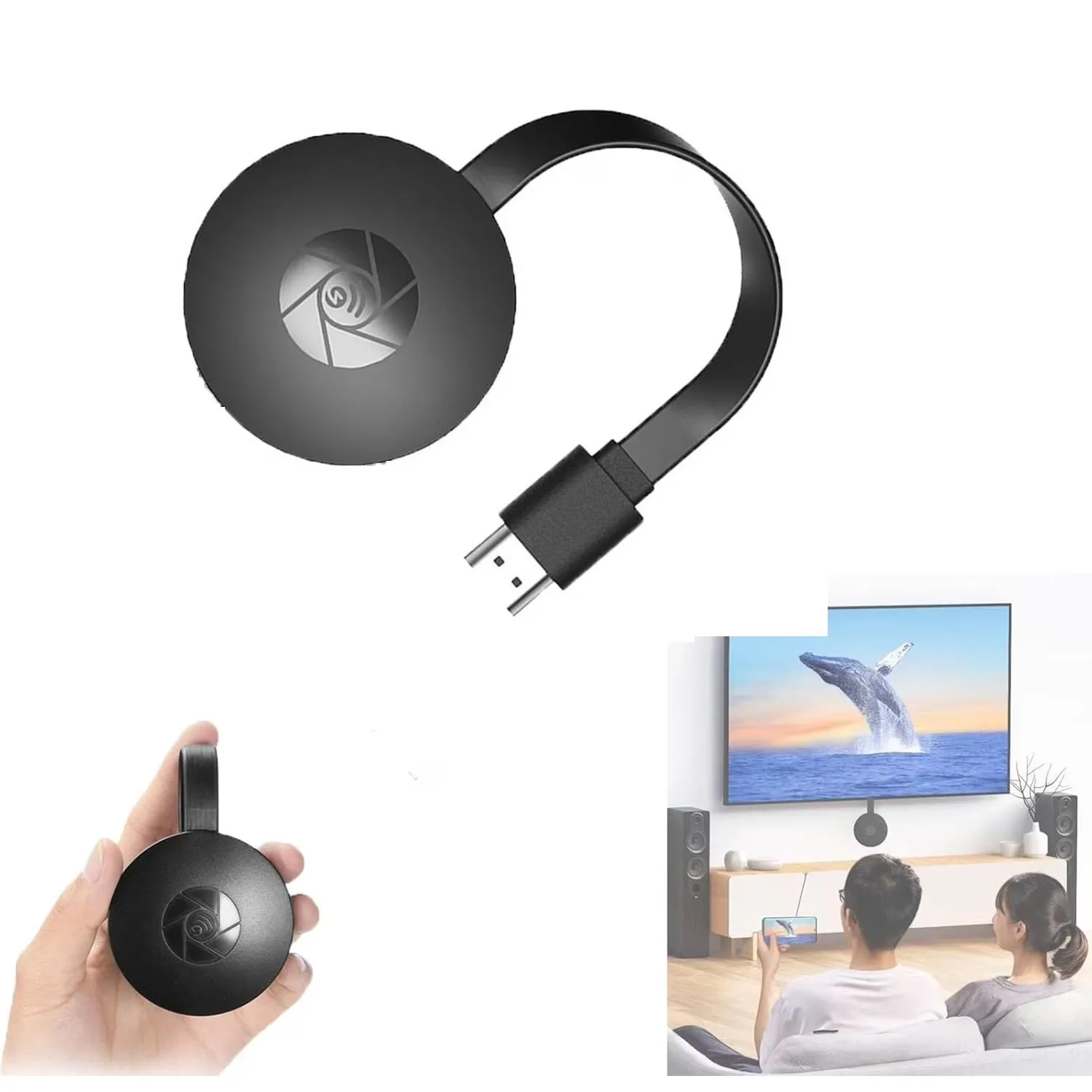
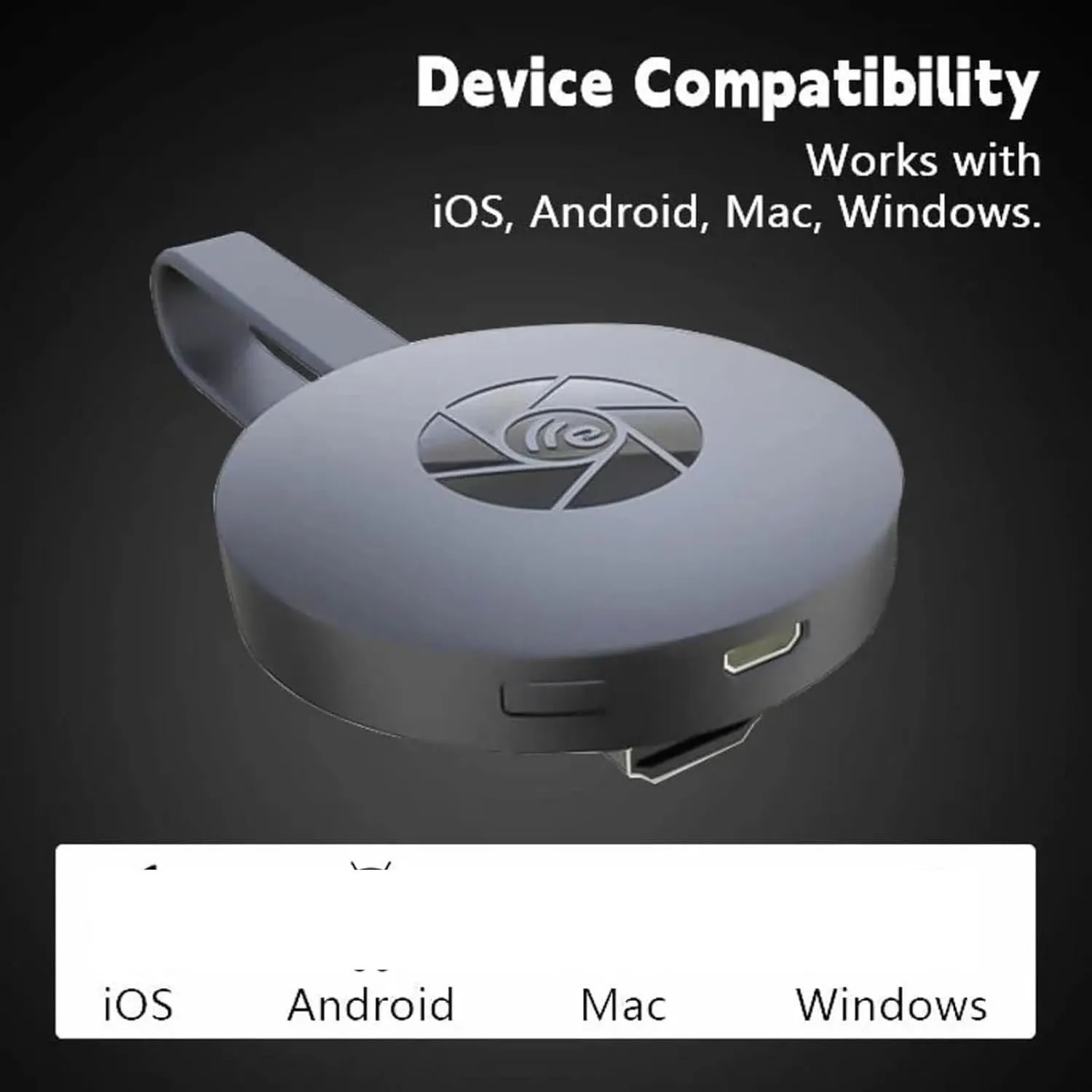
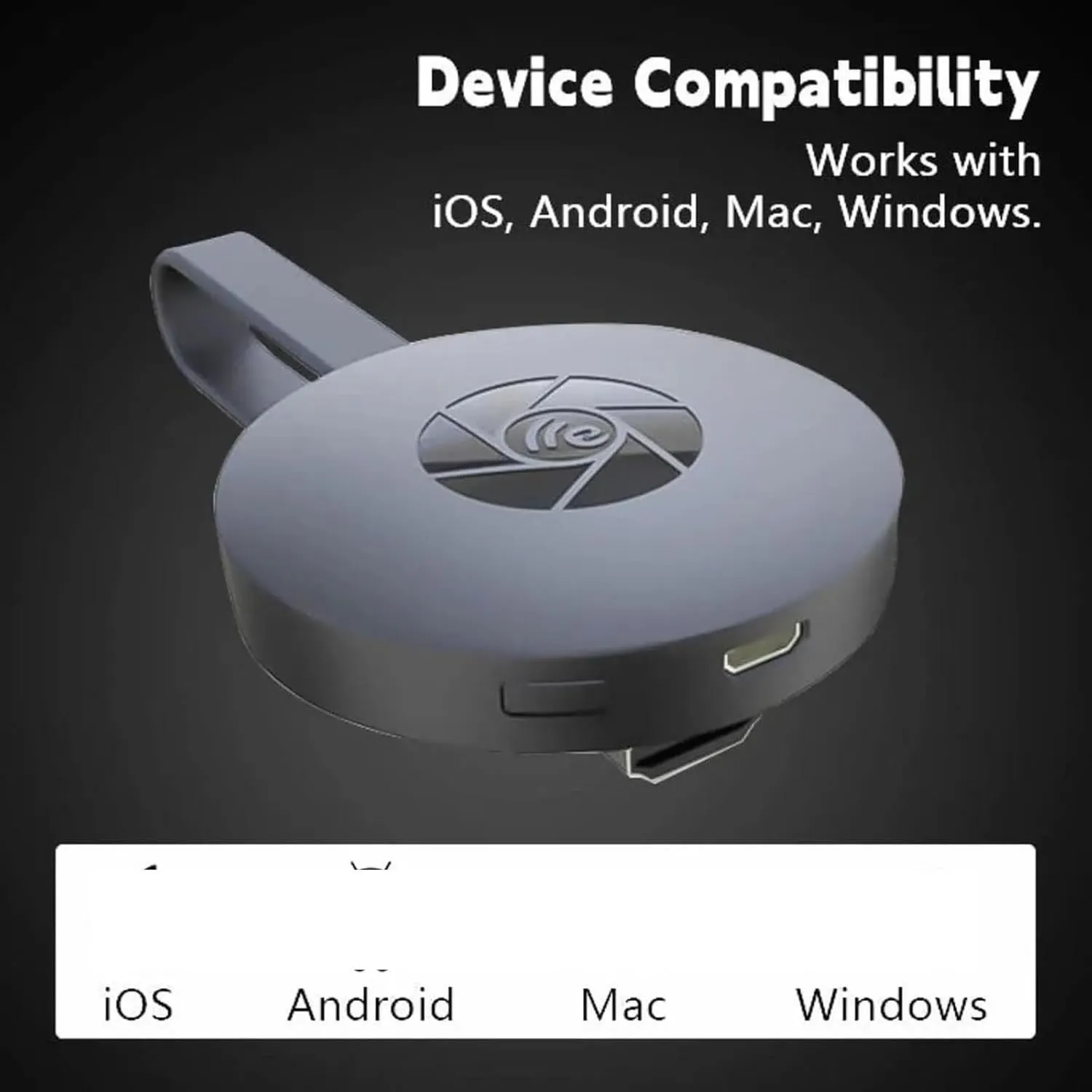
Mirror compatible devices to an HDMI-equipped TV, monitor, or projector.
Enjoy clear photos, presentations, and supported video content on a larger display.
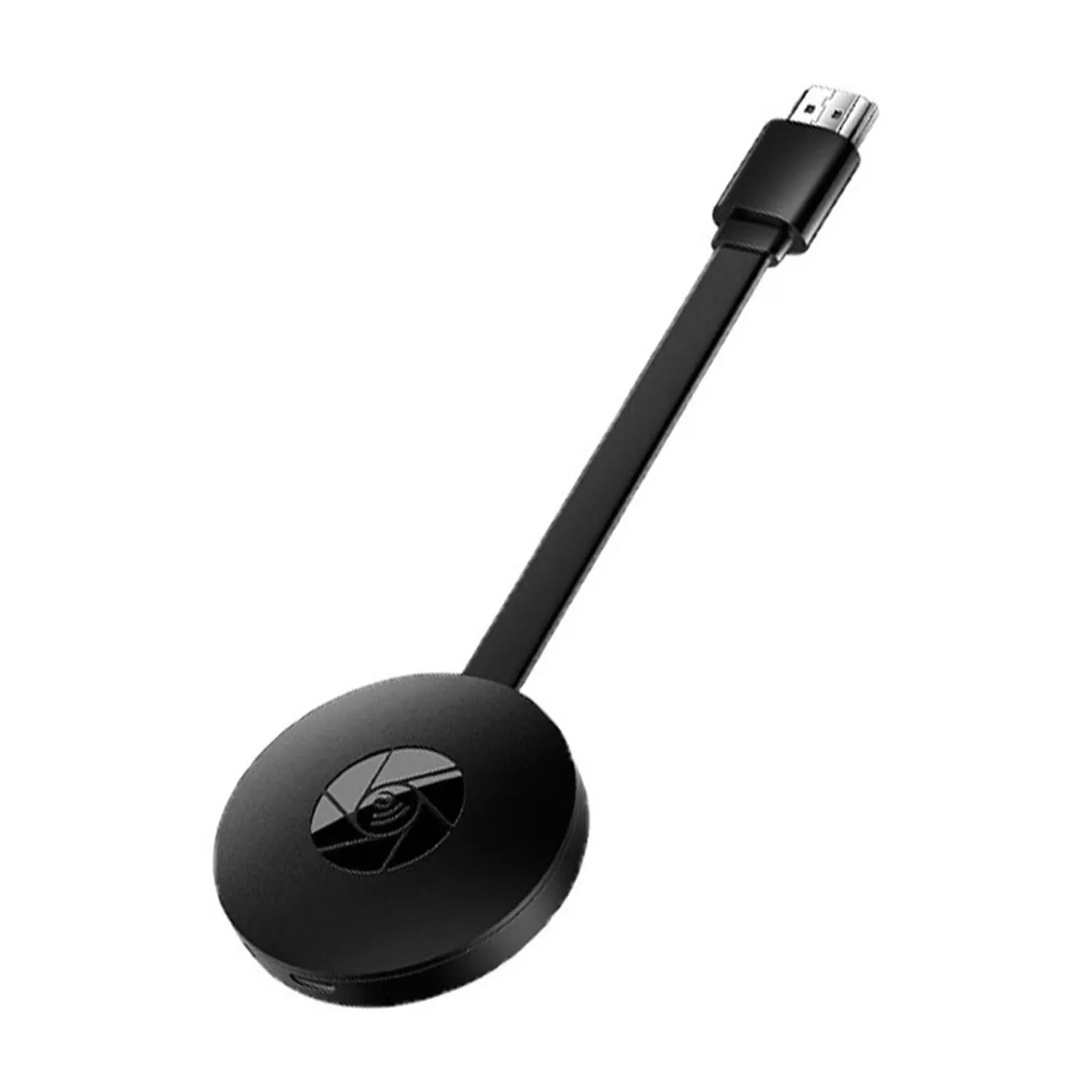
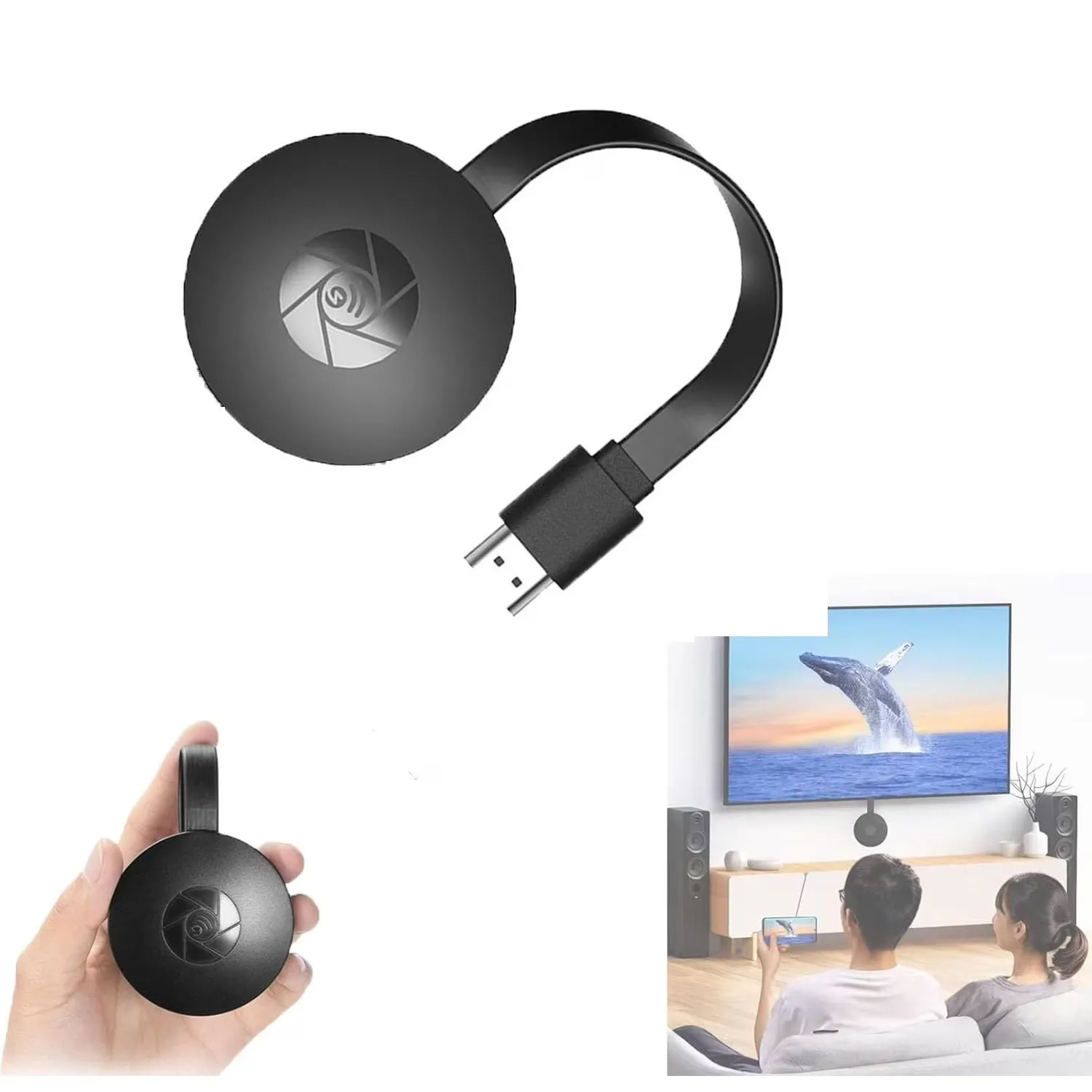
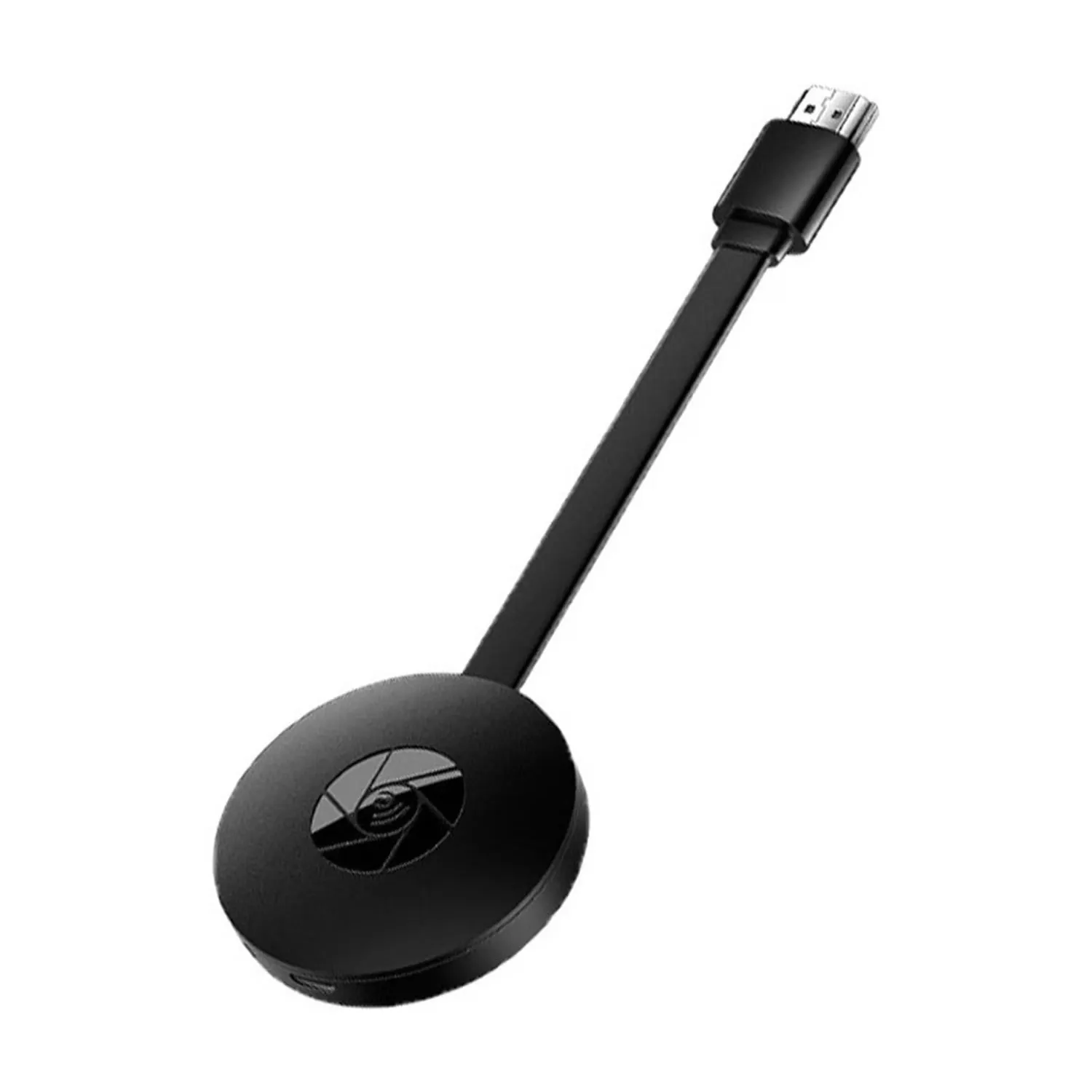
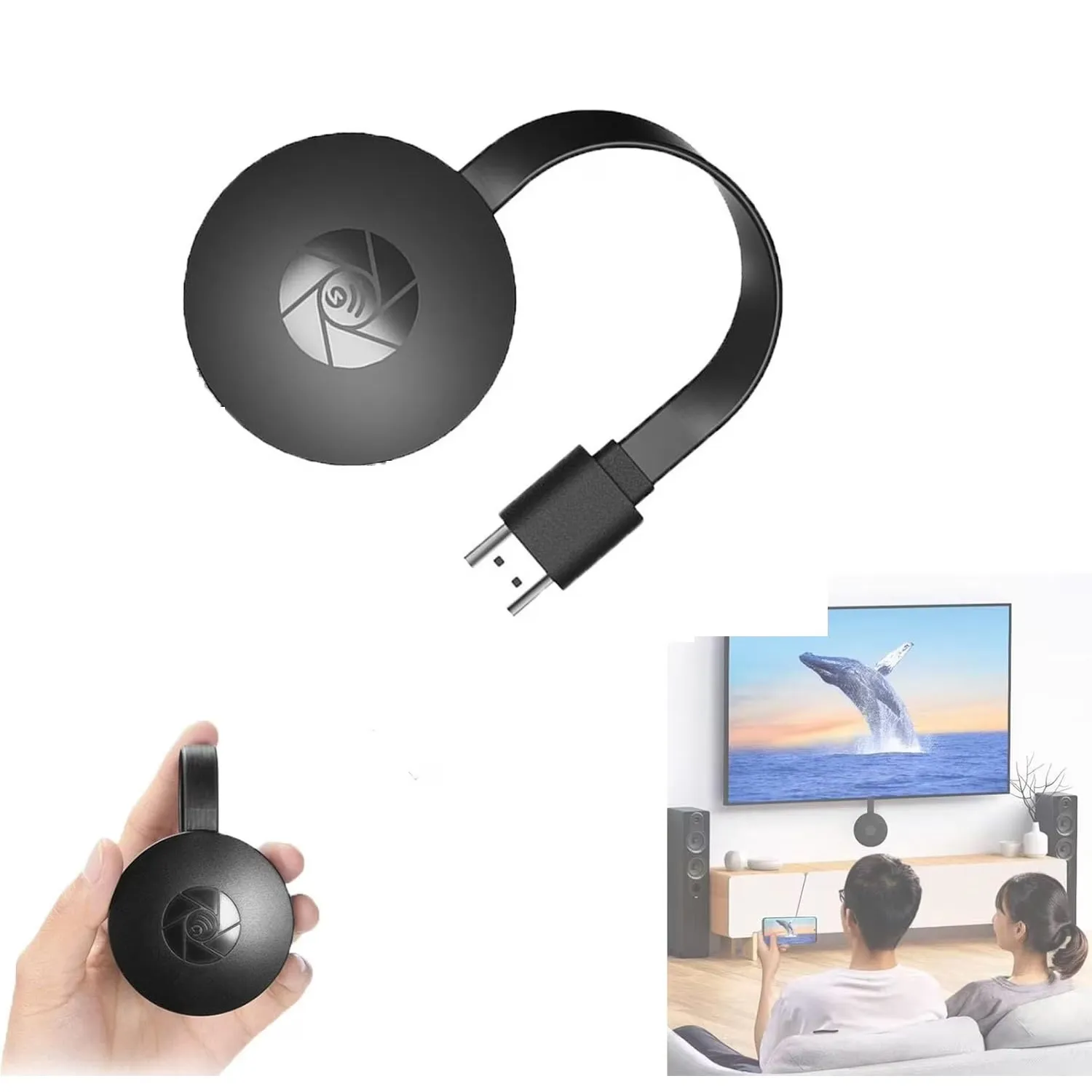
A pocket-size receiver that is easy to move between home, office, and classroom screens.
Connect the adapter at the compatible phone or computer, attach power, select the correct display input, then follow the on-screen connection instructions.


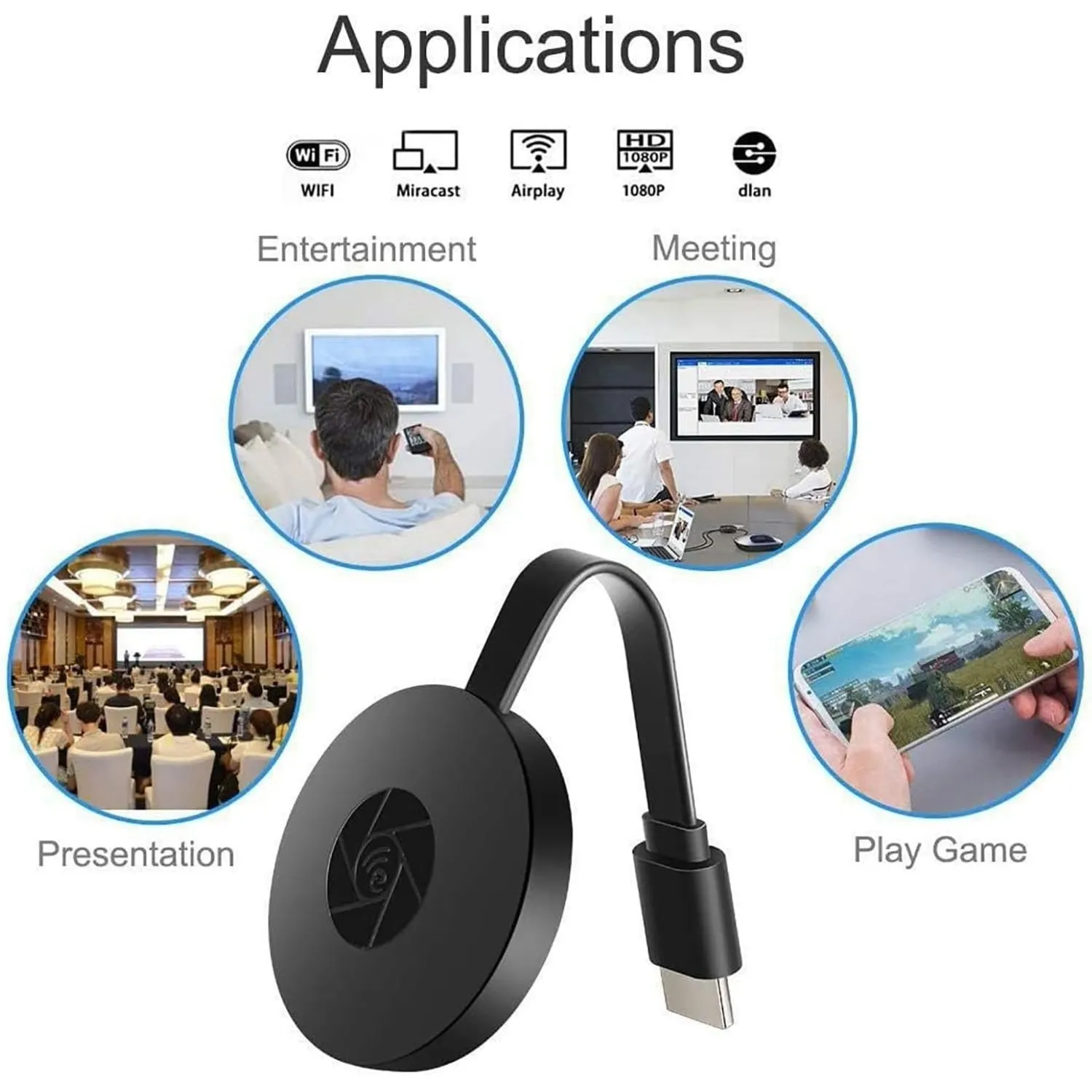
1 × G2 wireless display receiver with flexible HDMI lead
1 × external power/Wi-Fi lead
Yes. Connect the included external power lead to a suitable USB power source.
Use an HDMI-equipped TV, monitor, or projector with an available HDMI input.
Not necessarily. Some subscription apps use content protection that can restrict screen mirroring.
Confirm the correct HDMI input is selected, check power and cable connections, and follow the receiver’s on-screen setup instructions.
A compact way to bring the content you already have to the screen everyone can see.
Enter your shipping address at checkout to see available delivery options and charges. Availability varies by item and destination. The order confirmation and shipment updates provide the next steps for your order.
Review the product dimensions, included pieces, material, selected variant and power requirements before adding to your bag. Outdoor use must be specifically stated in the product details.
Check the items, quantities, selected variants and total in your bag before payment. Keep your order confirmation for future reference and sign in to your account to view available order details.
Laden
RUVQEN · CHRISTMAS AT HOME
A warmer glow. A thoughtful gift. Little details that make your home feel like the holidays.
Discover Christmas →Explore all finds THE FESTIVE EDIT · 2026
FIND YOUR NEXT LITTLE DISCOVERY
THE RUVQEN EDIT
THE ART OF A FESTIVE WELCOME
A touch of evergreen, a ribbon of red and a gentle glow. Build your seasonal look one thoughtful layer at a time.
Create your Christmas moment →Start with the corner, doorway or table you want to transform.
Choose your lights and check each item's power and placement details.
Mix in the keepsakes and details that make the season feel like yours.
CLEVER FINDS FOR REAL LIFE
A NOTE FROM RUVQEN
Discover seasonal decorations, home essentials and practical finds. Browse for your space, your everyday routines or someone you have in mind.
Find something for you →✓ Product options clearly displayed
✓ Shipping choices at checkout
✓ Review your order before payment
✓ Secure checkout connection
Delivery options and charges depend on your item and address. Please check the details at checkout.
YOUR CHOICE
Check styles, sizes and quantities.
YOUR ORDER
Keep your confirmation for reference.
ruvqen.com