Independent Living
A simple way to reach family without carrying a phone in your hand.




Free worldwide shipping
Free returns
Carbon neutral
Secure payments
Everyday Home Safety, Made Simple
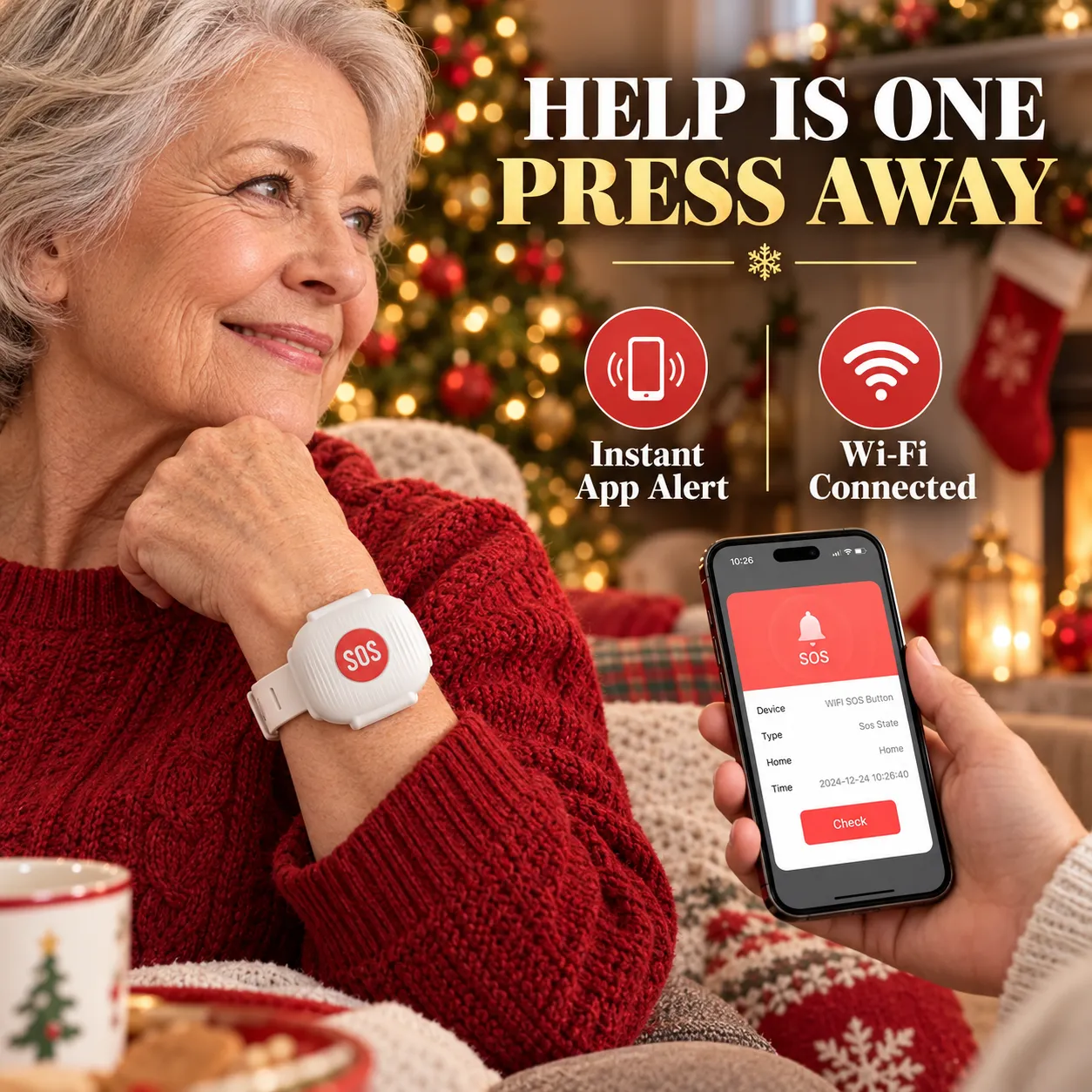
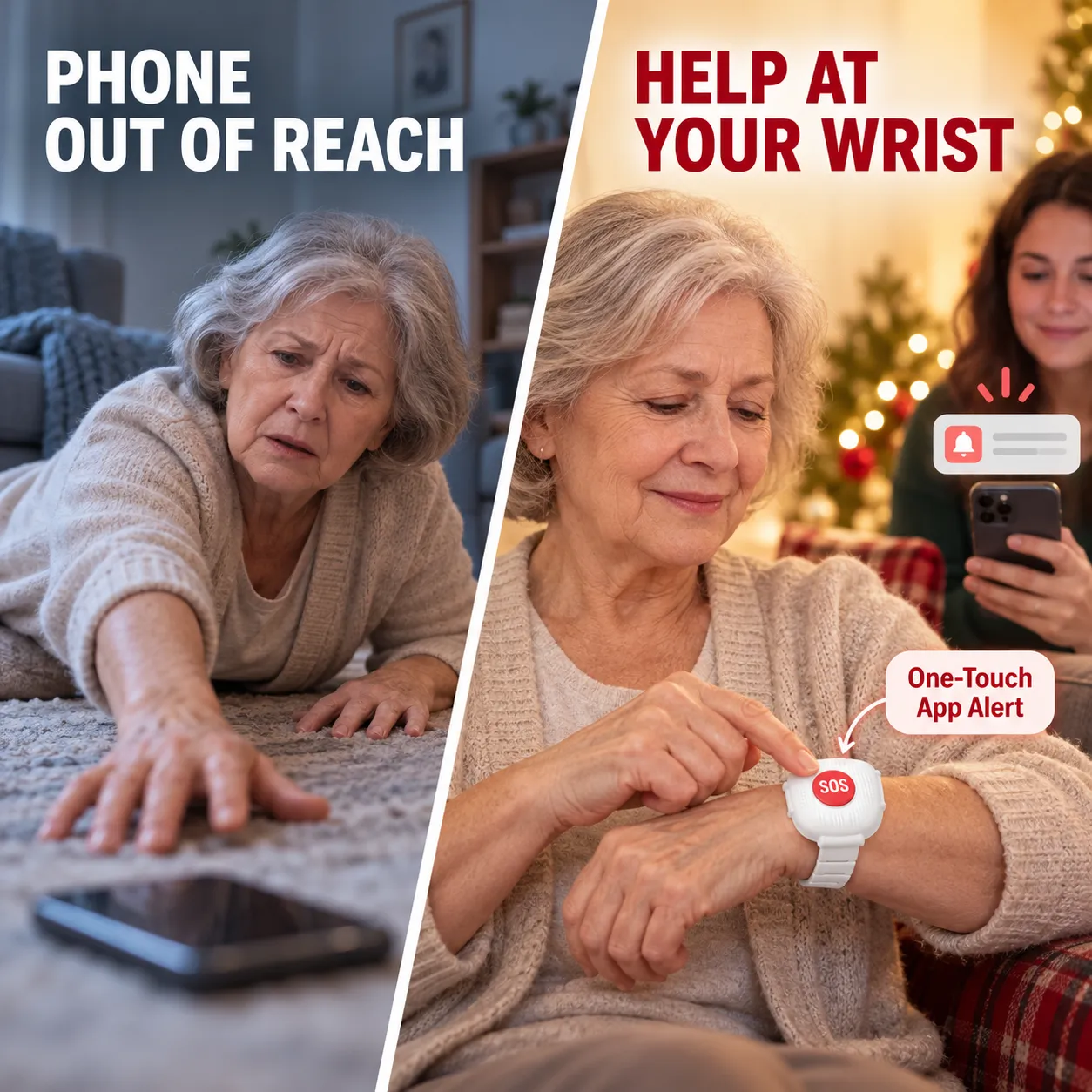
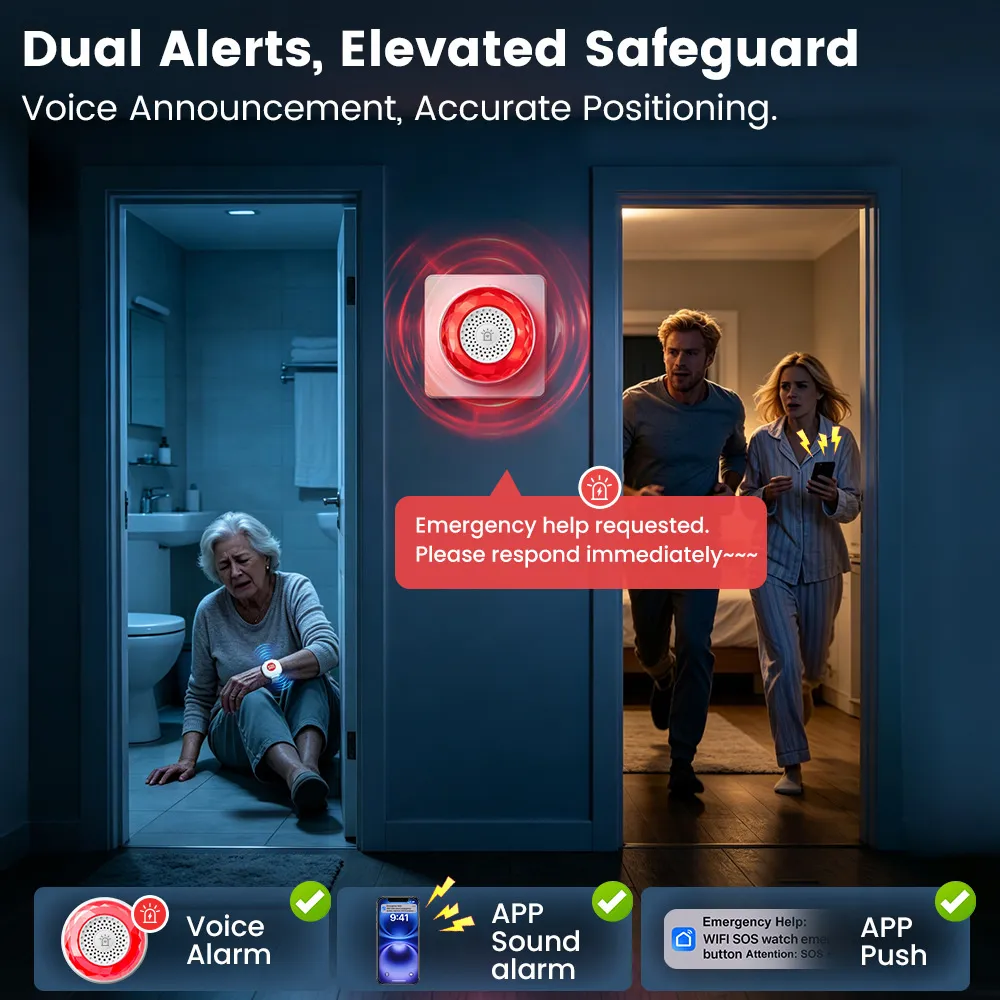
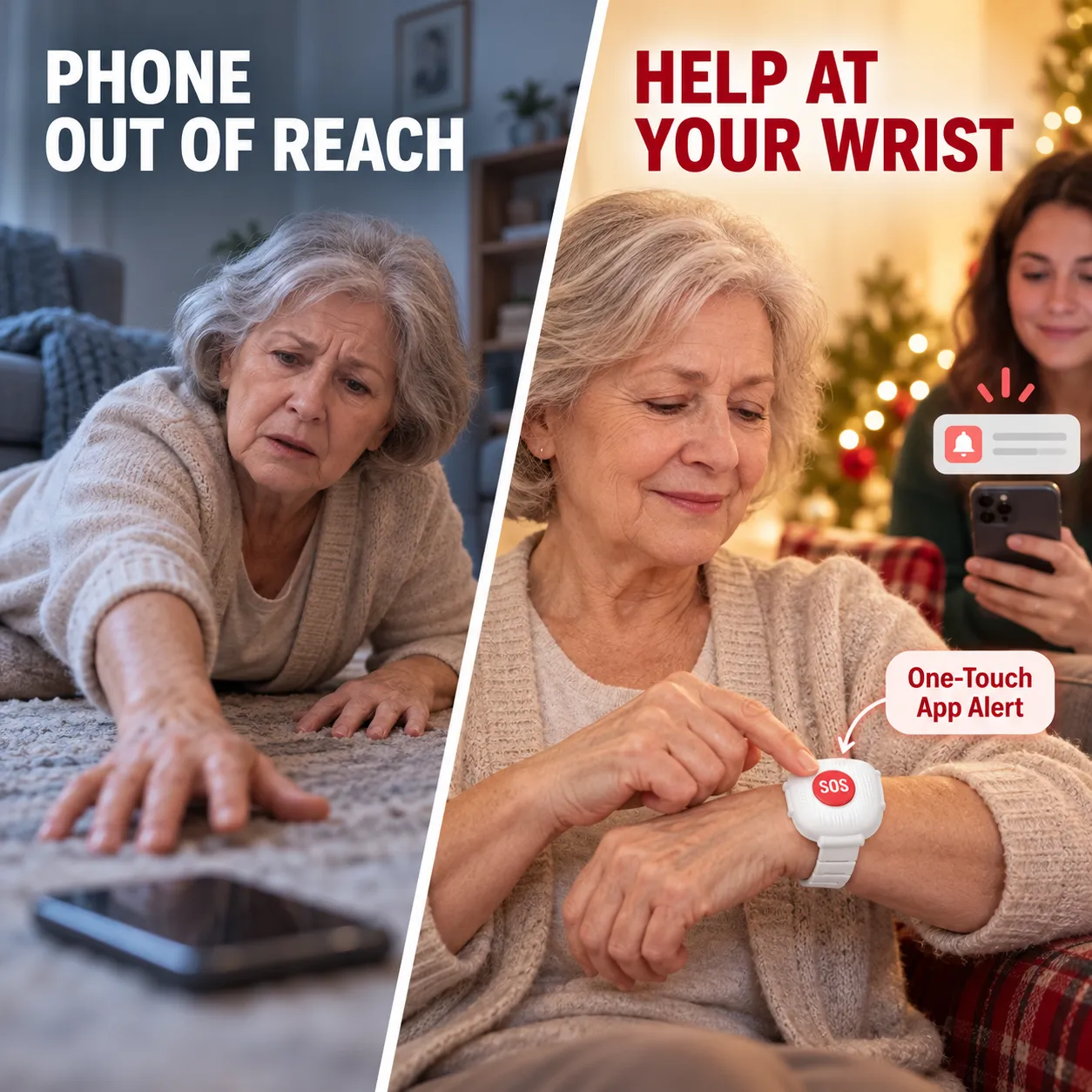
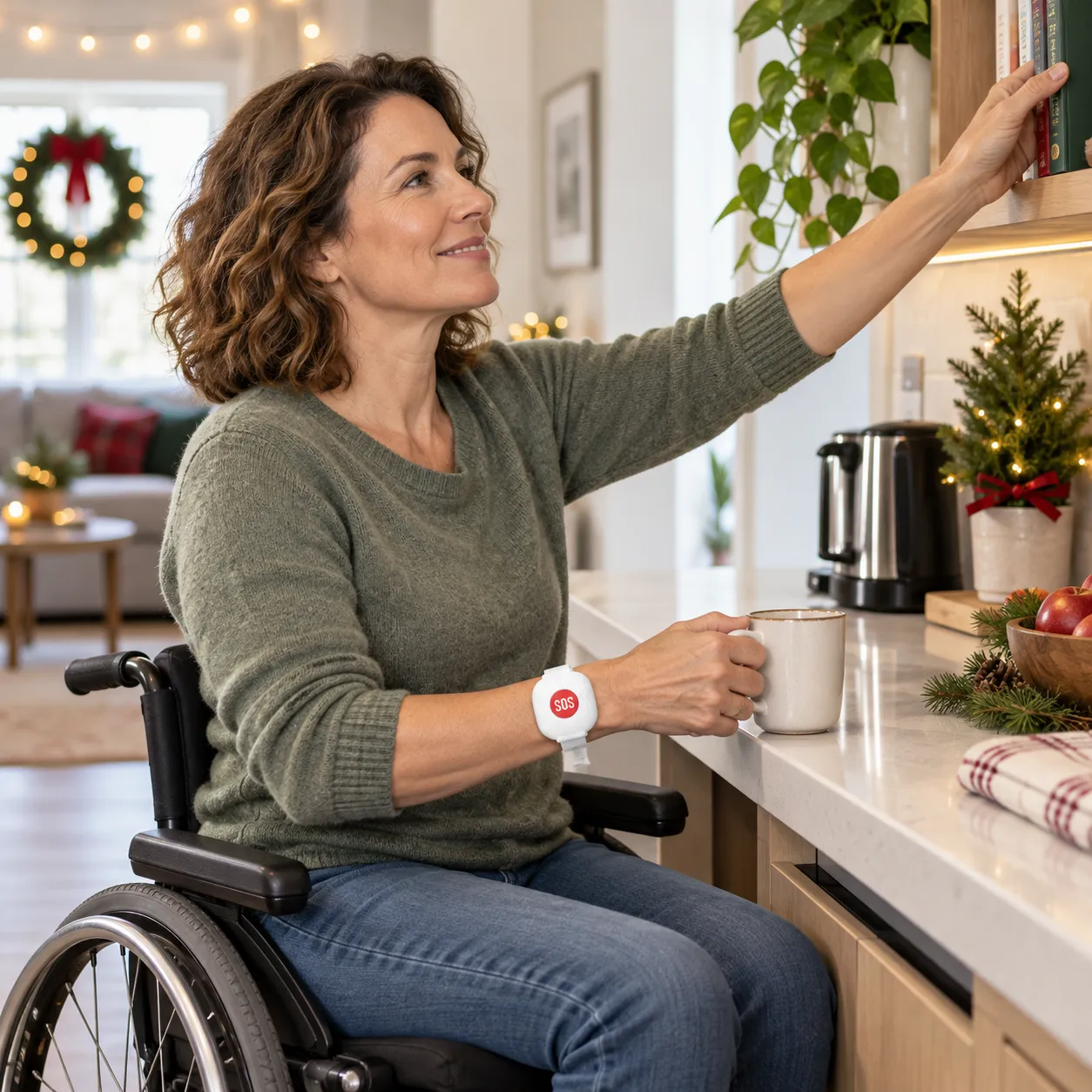
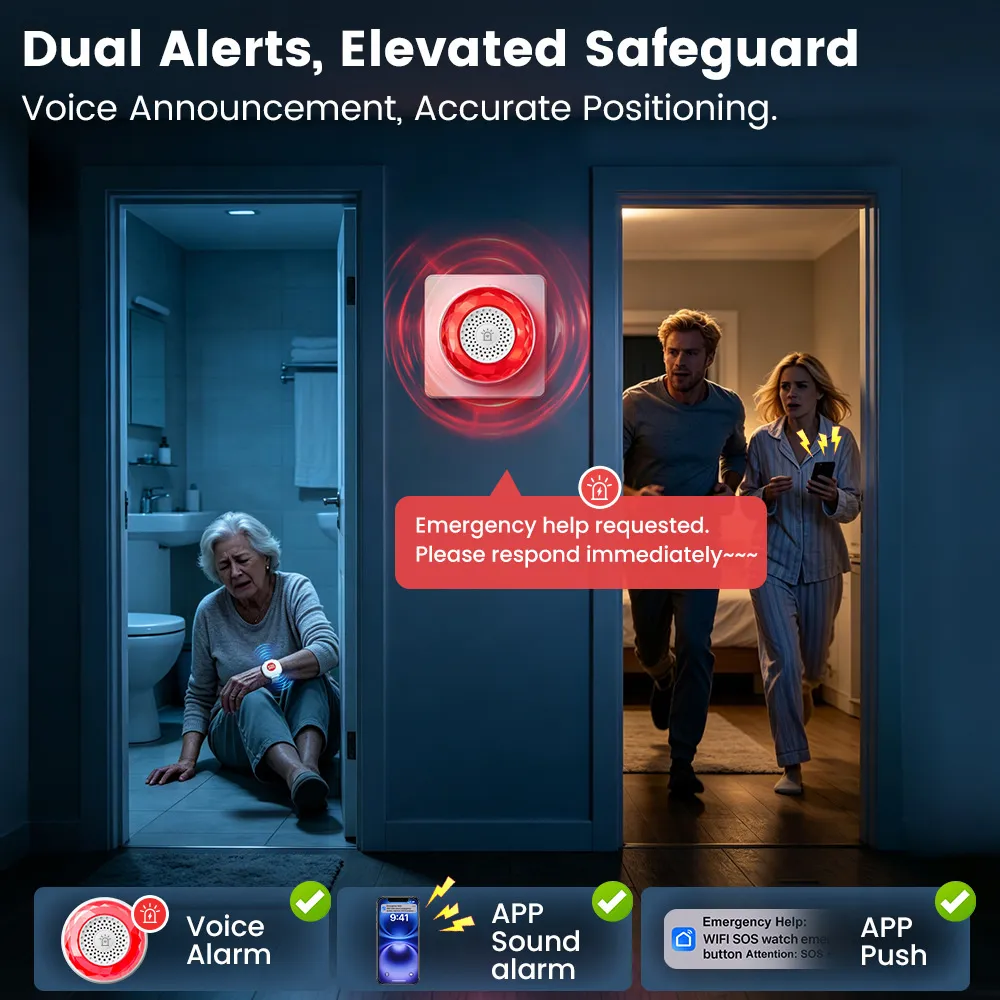
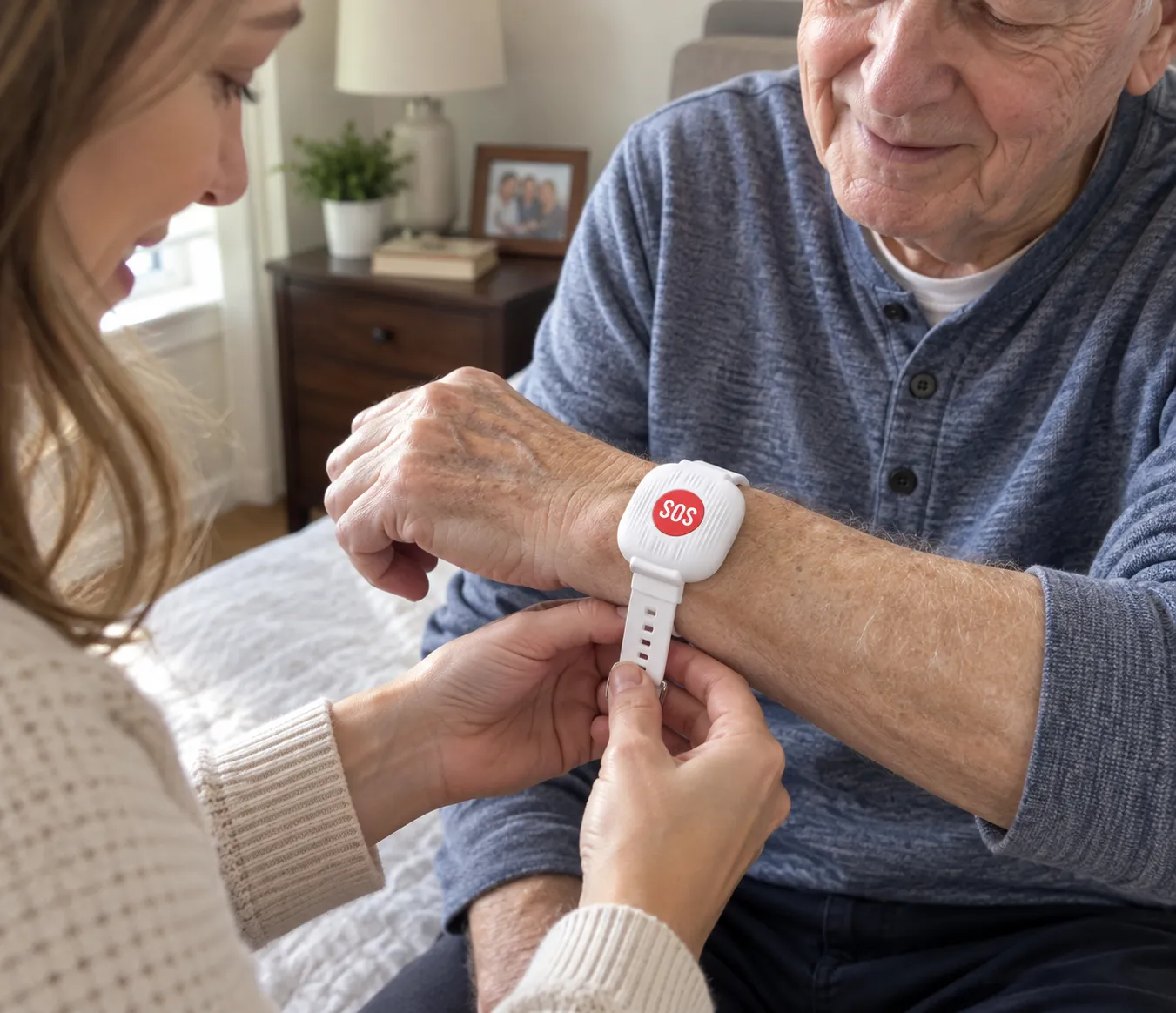
When a phone is across the room, one easy-to-reach SOS button can make a meaningful difference. Wear it around the house and send an app alert to a family member with a single press.

A simple press turns a stressful moment into a clear signal for help.
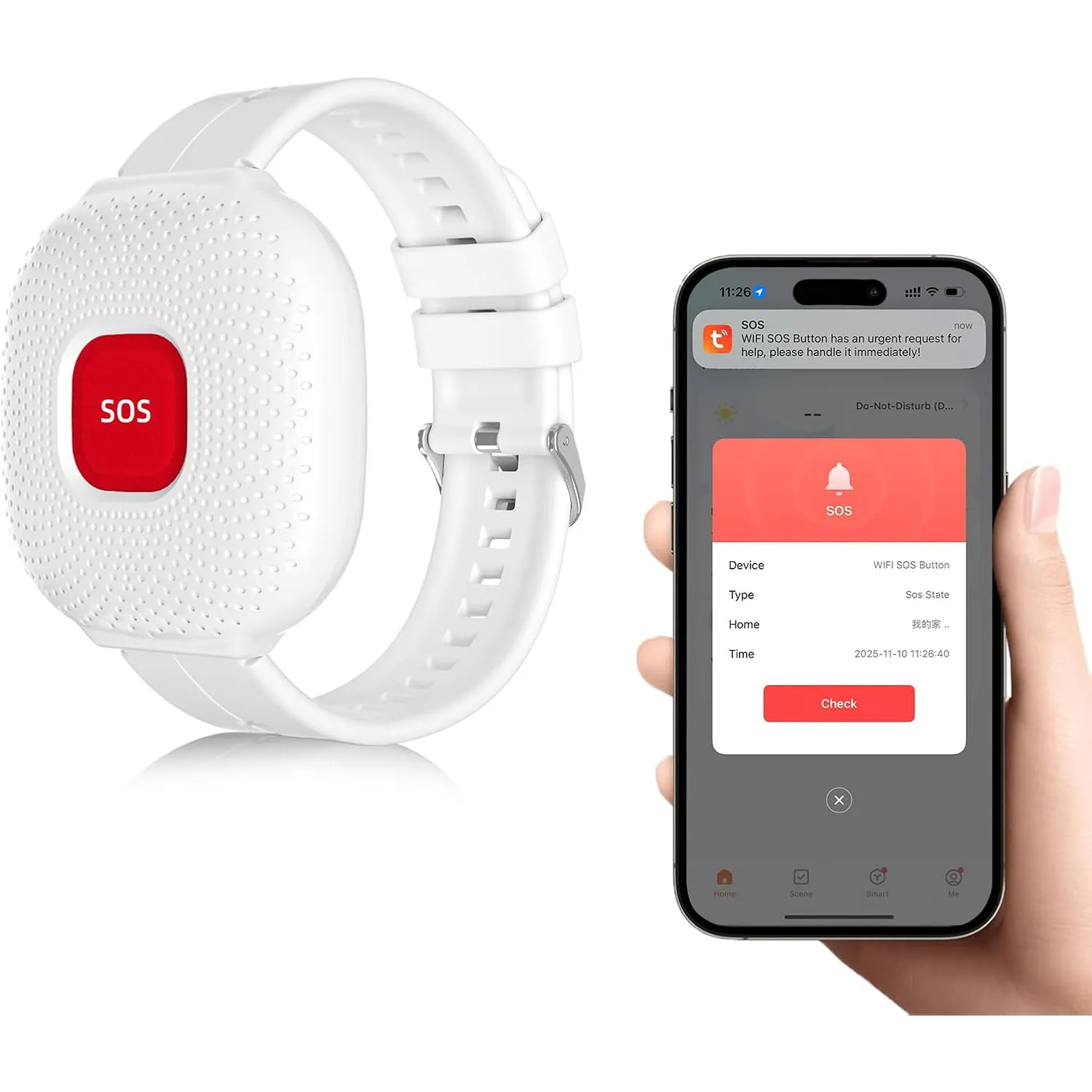
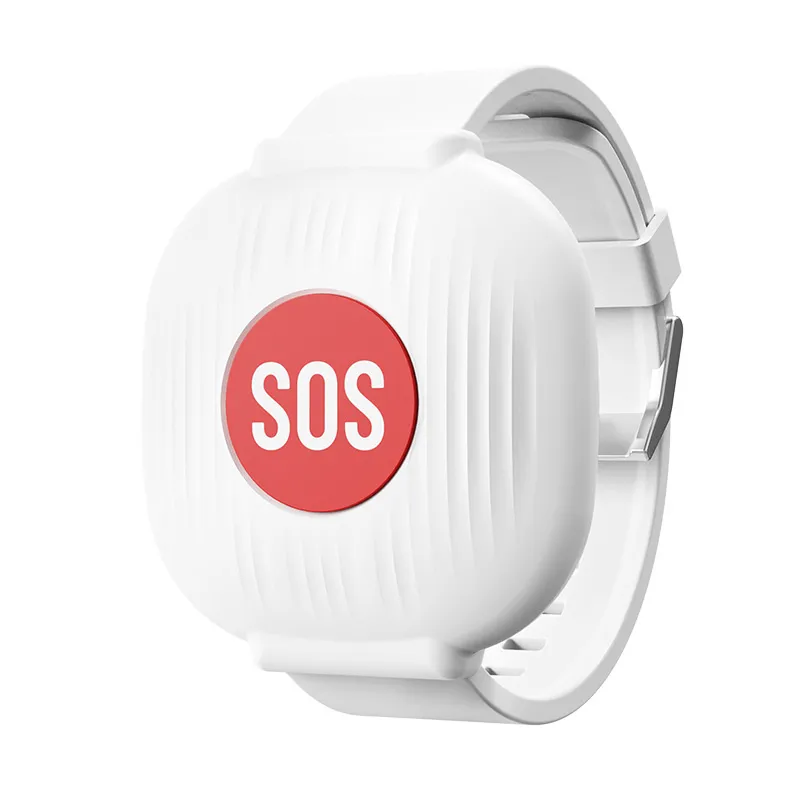
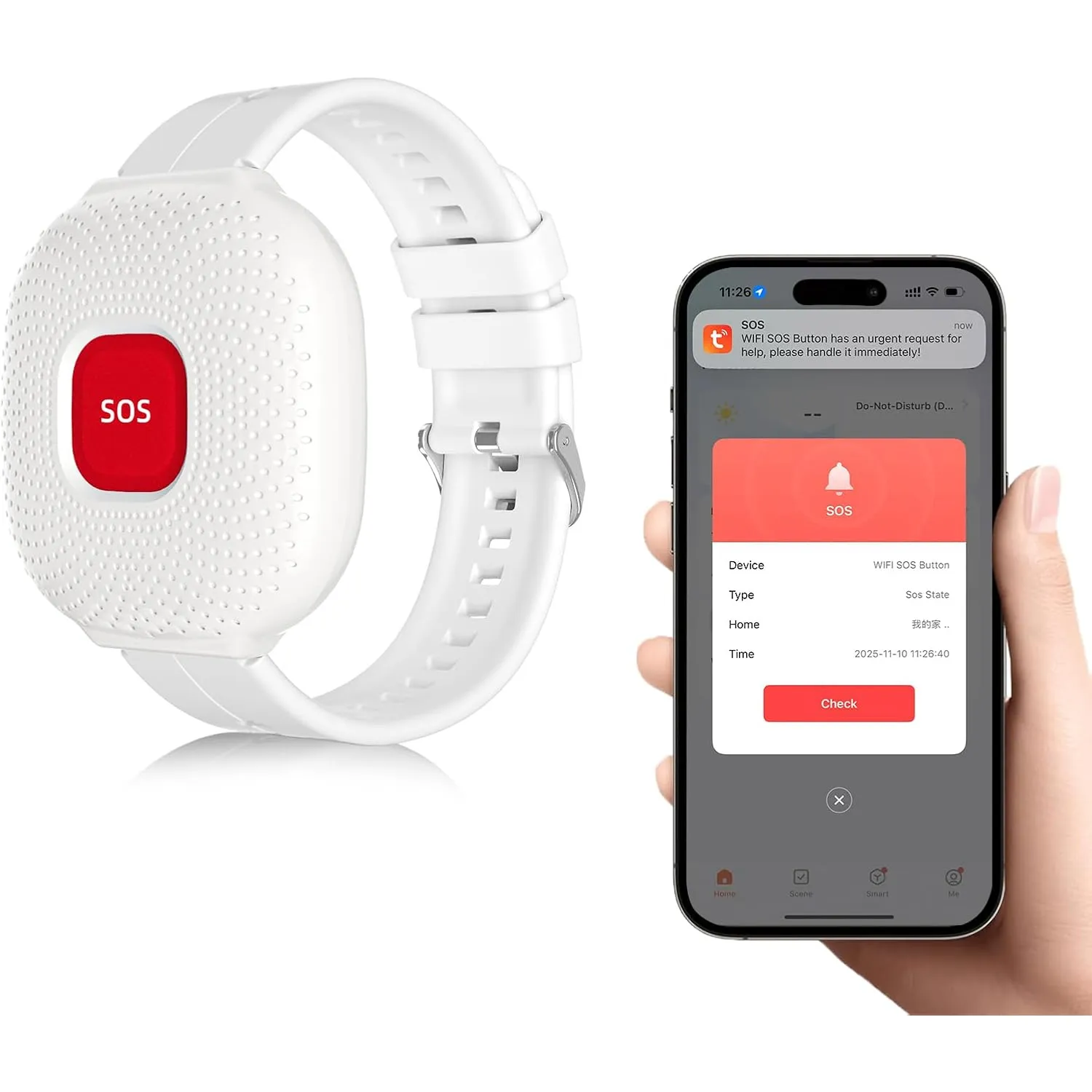
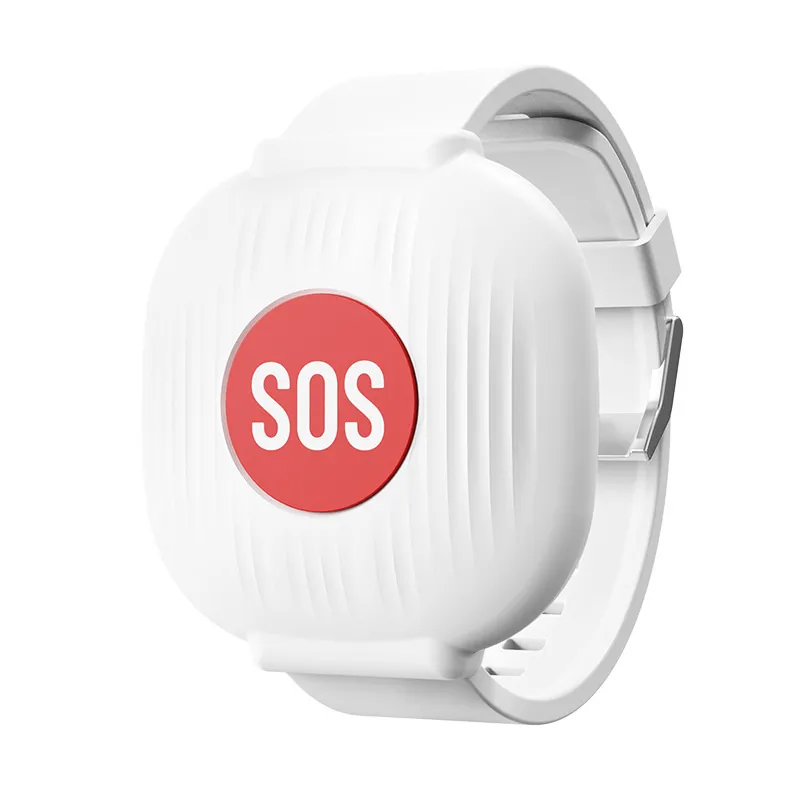
A large red button is easy to find and press when reaching a phone is difficult.
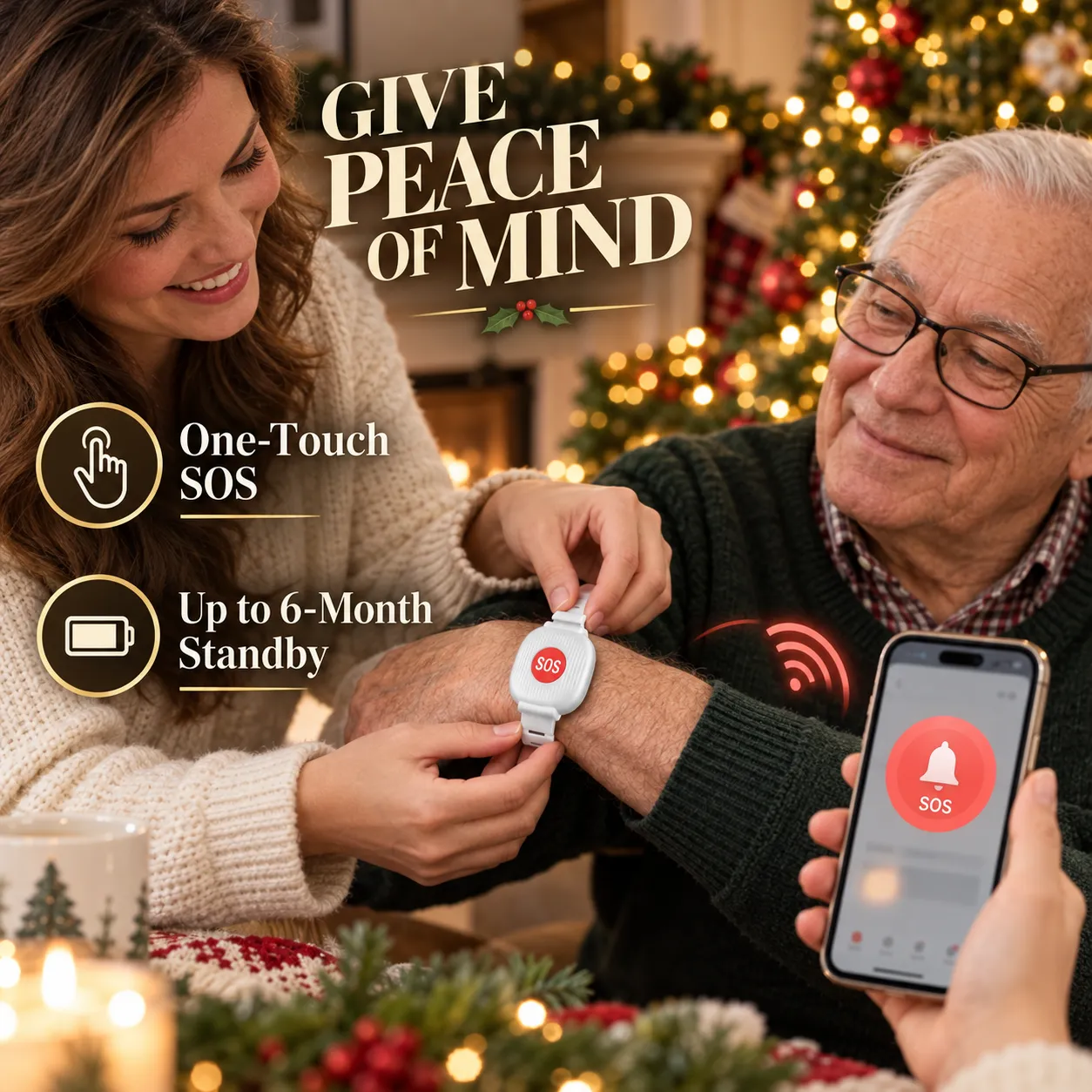
A press sends a notification through the connected mobile app.
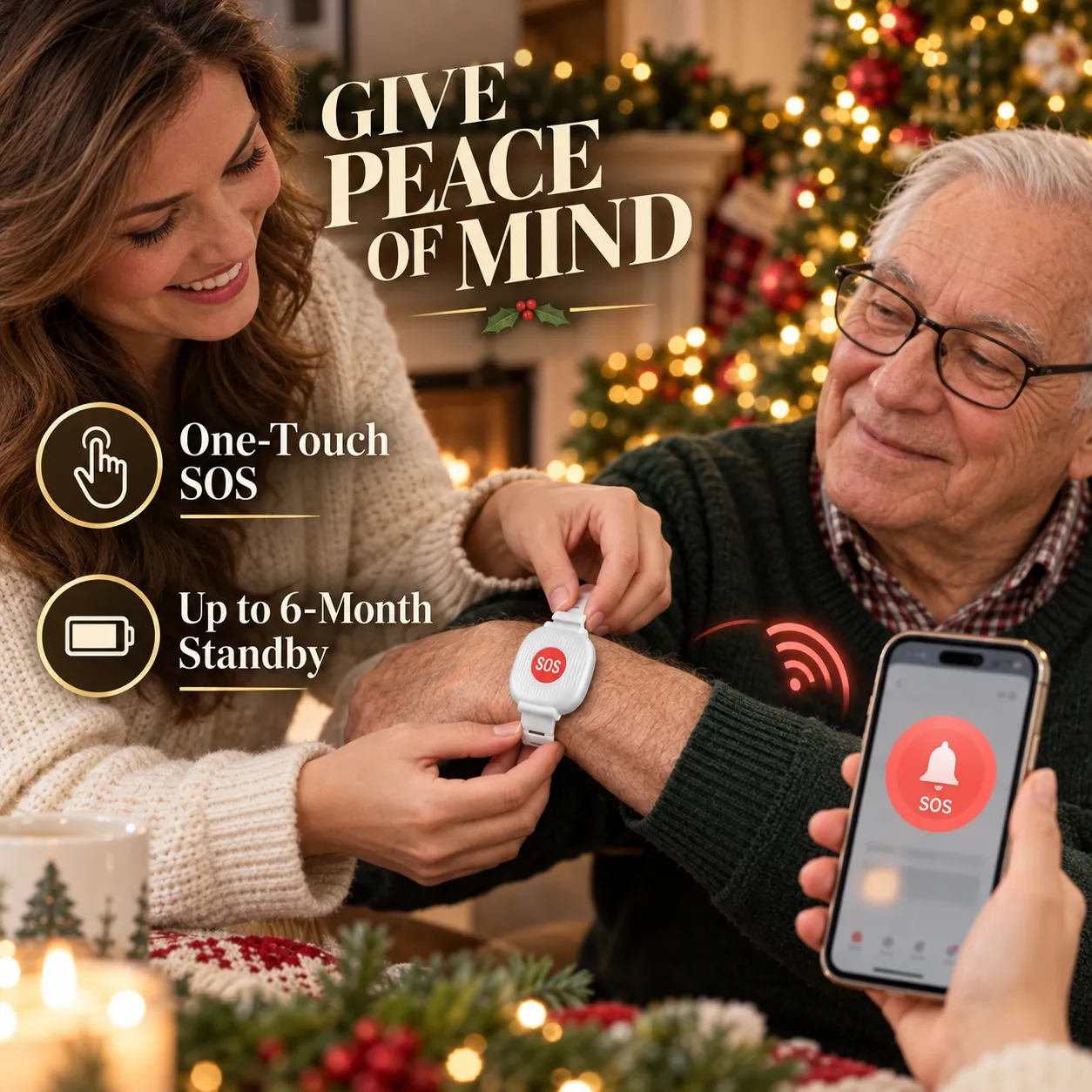
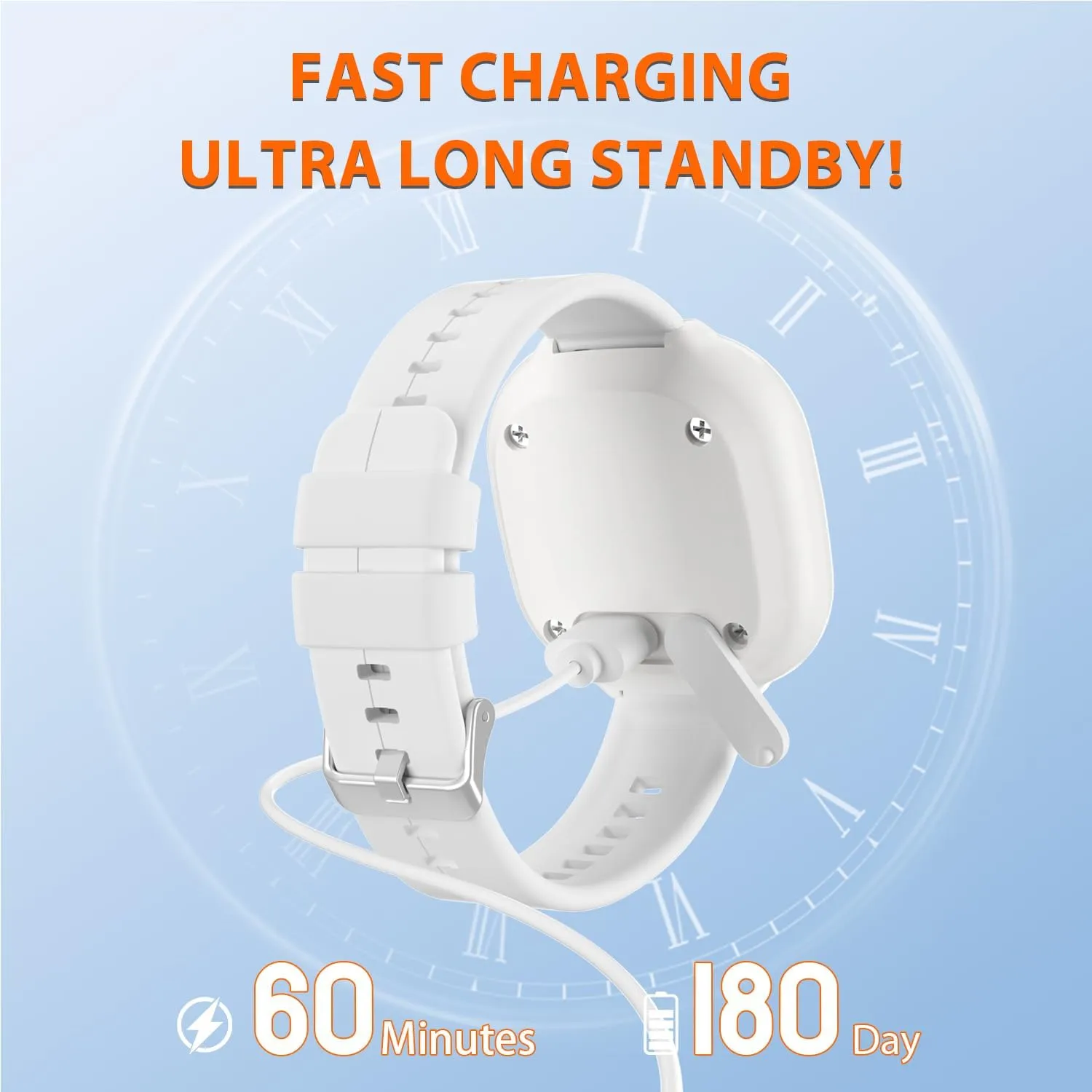
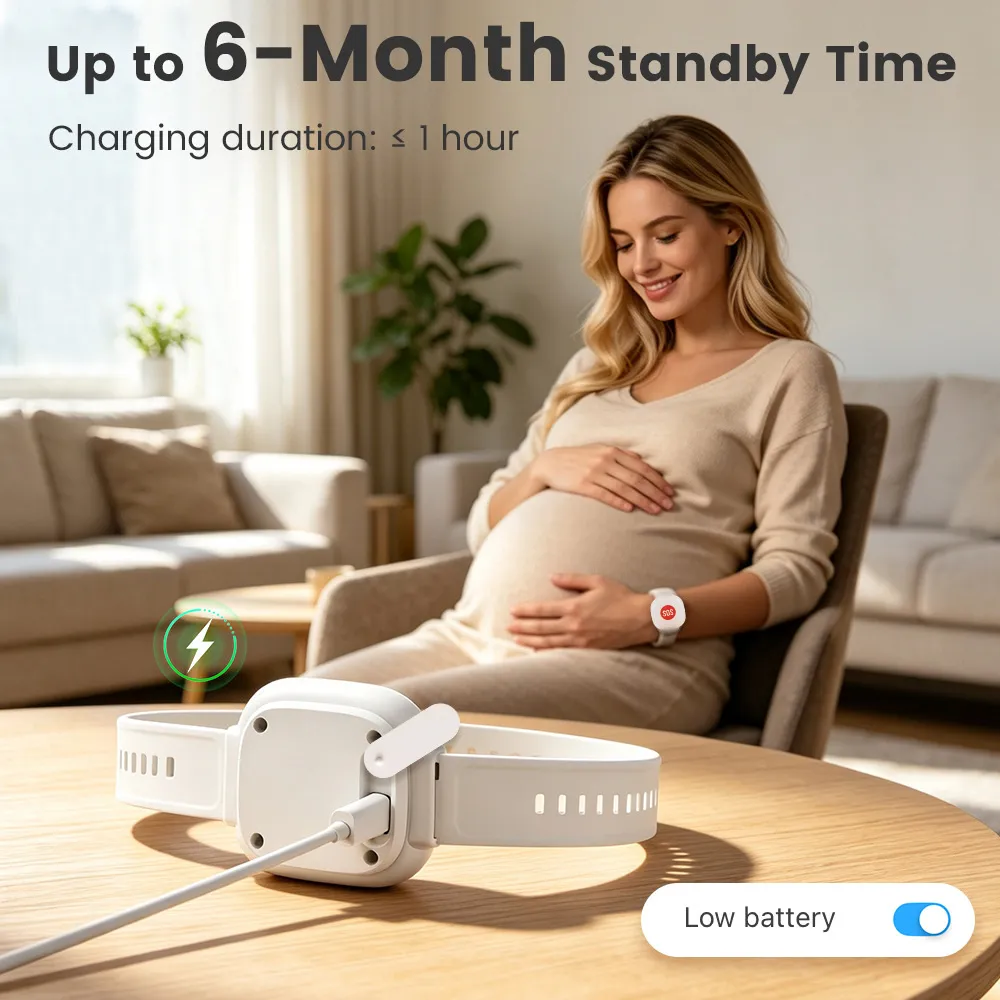
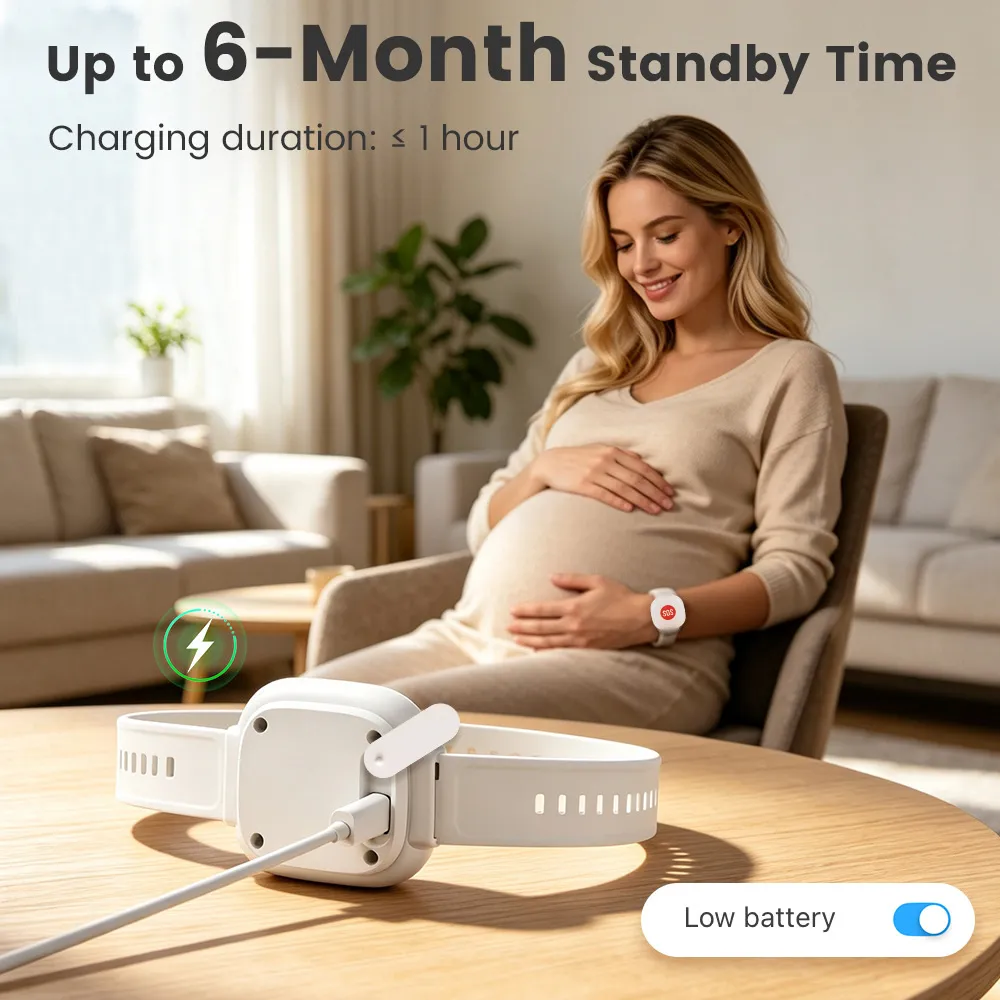
Up to 6 months of standby helps reduce frequent charging.
The adjustable white band keeps the button visible and within reach.
A Small Button. A Faster Way to Reach Out.
The wrist-worn SOS button stays with you, so asking a connected family member for attention does not begin with searching for a phone.
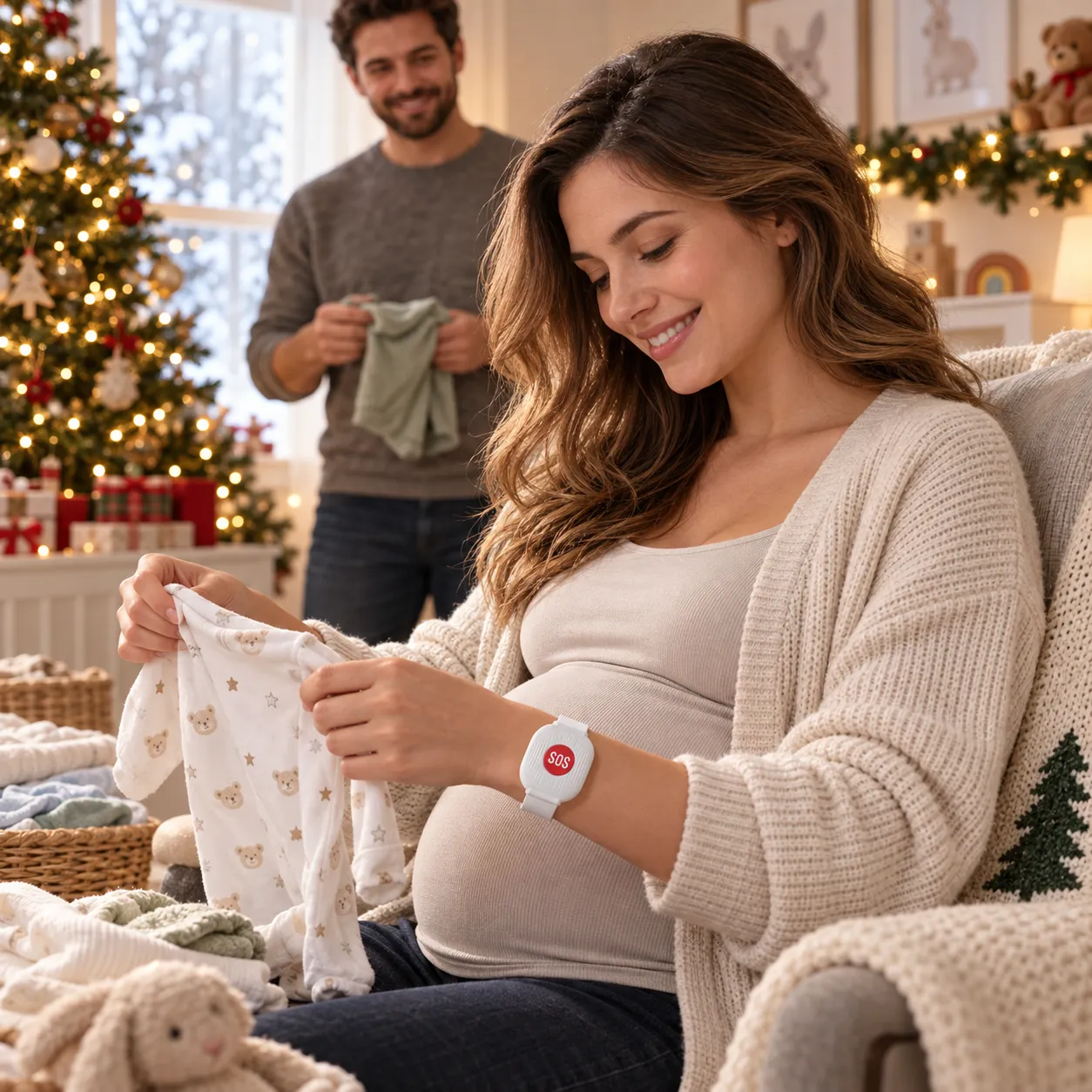
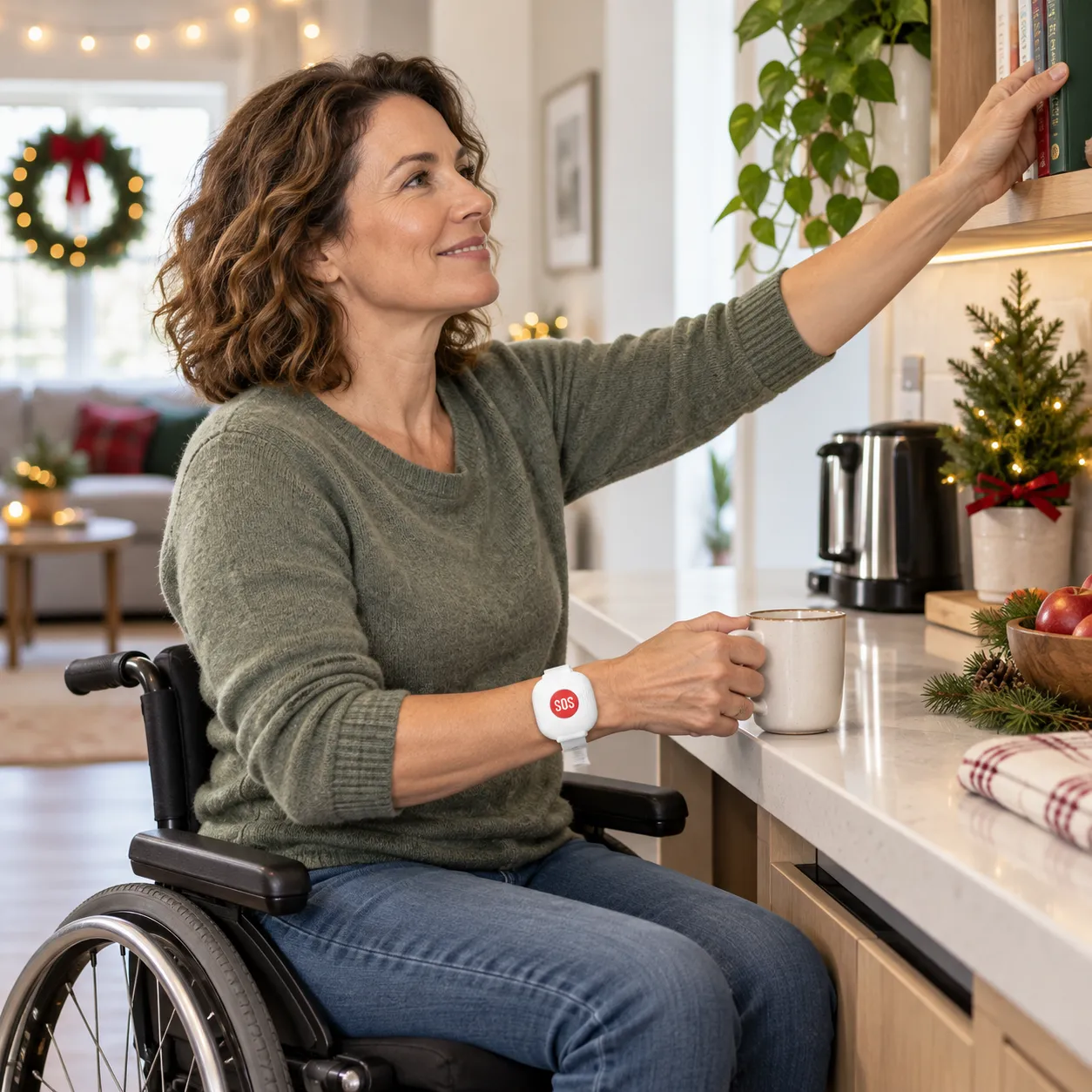
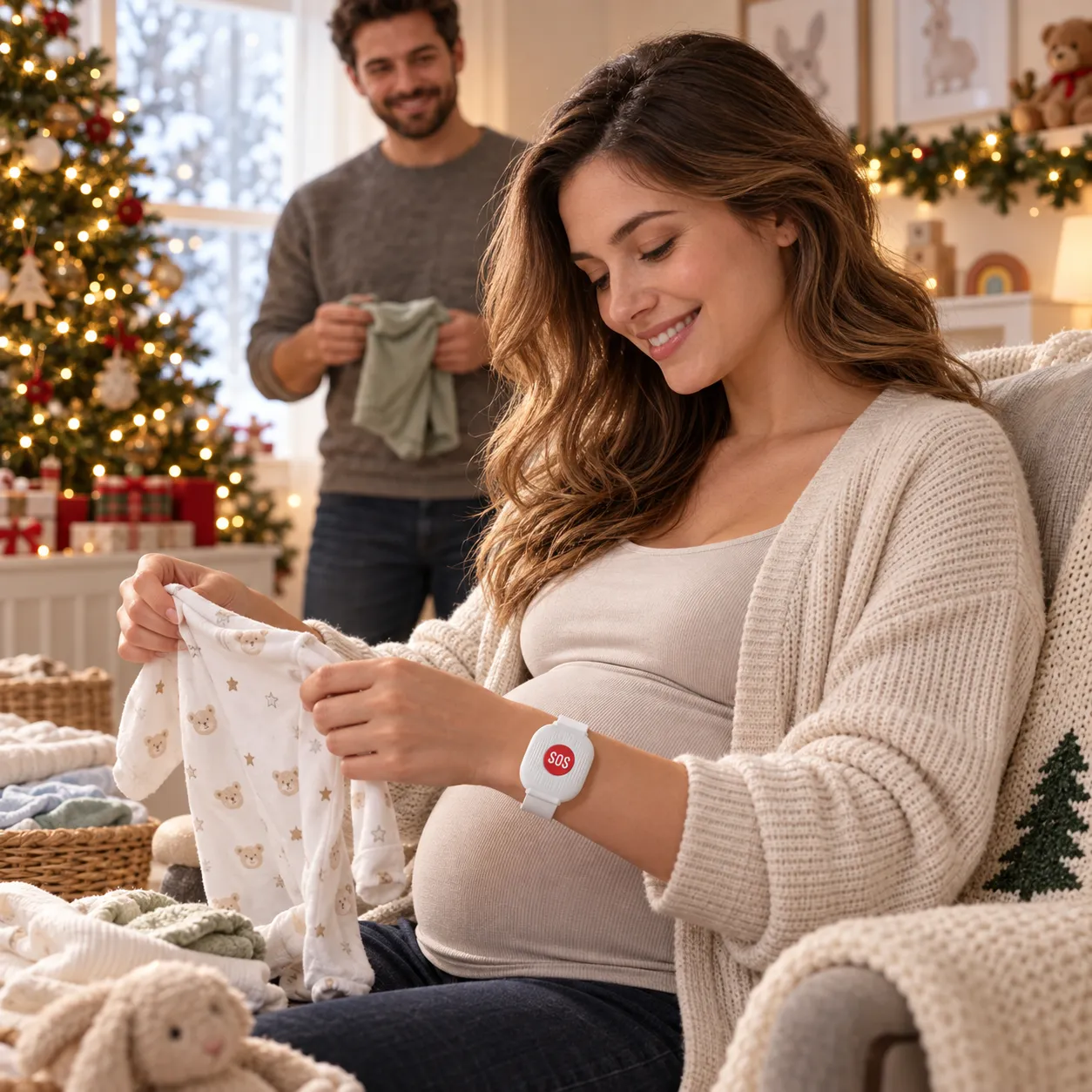
One easy-to-reach alert button for independent homes, care settings, growing families, and accessible living.
Charge Less. Keep It Ready.
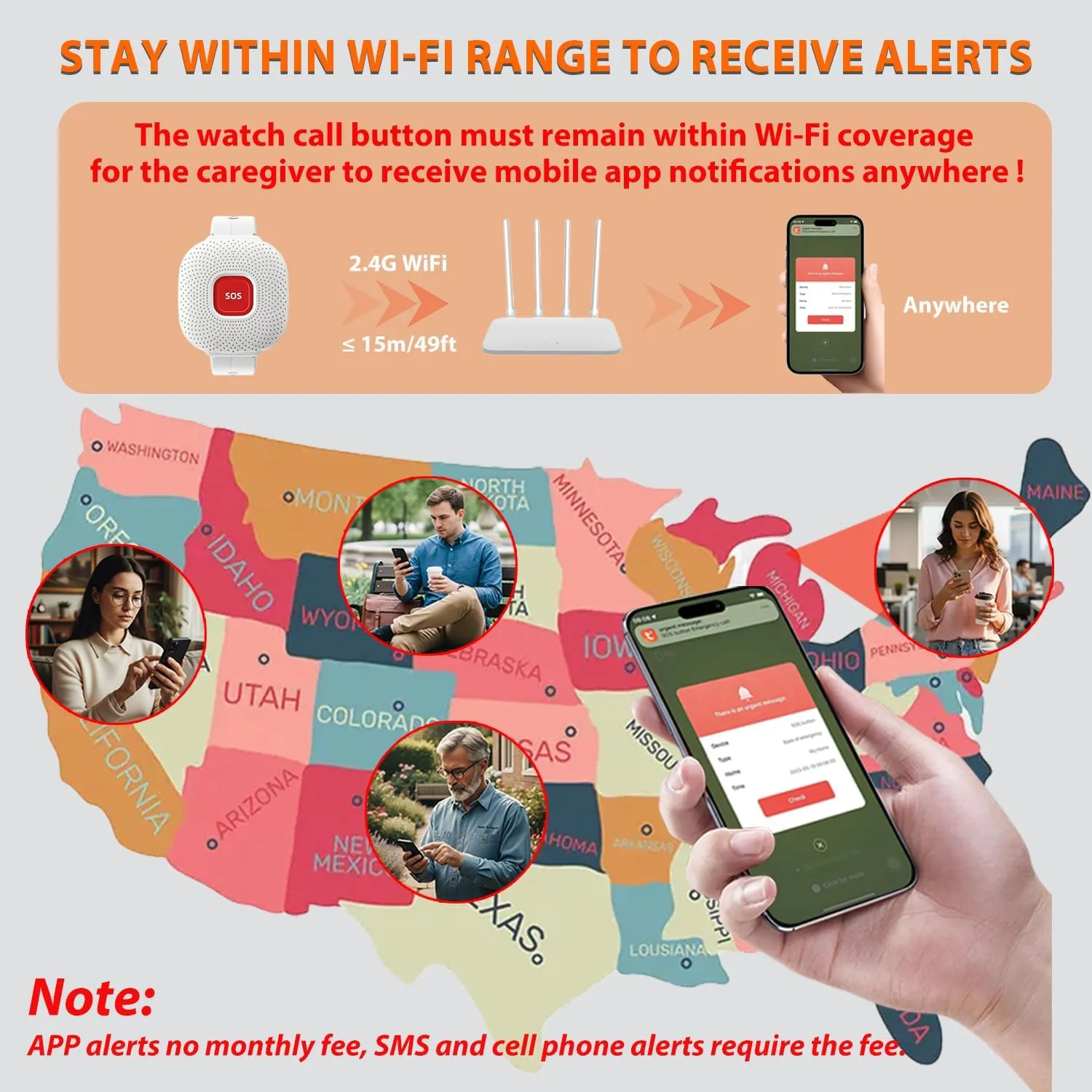
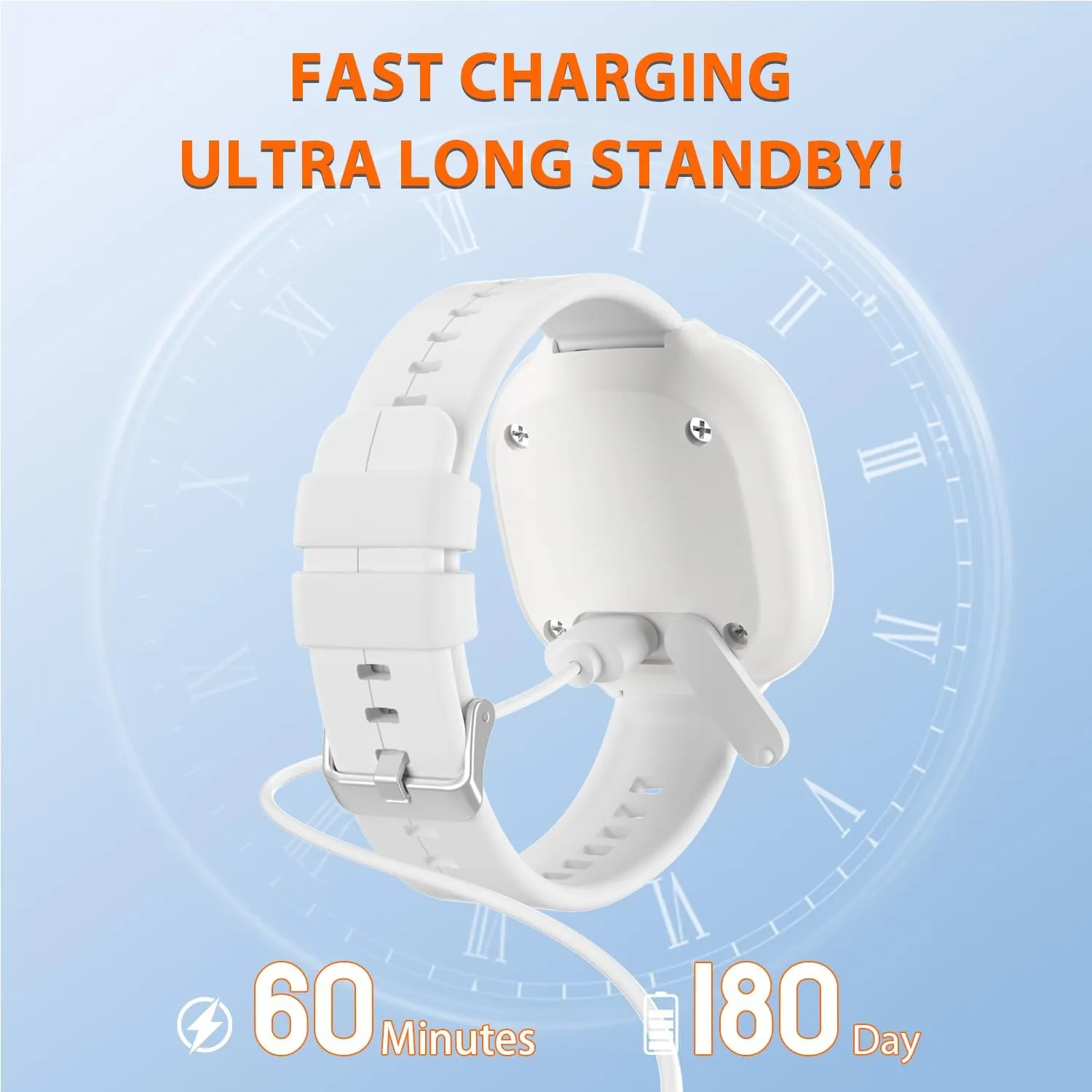
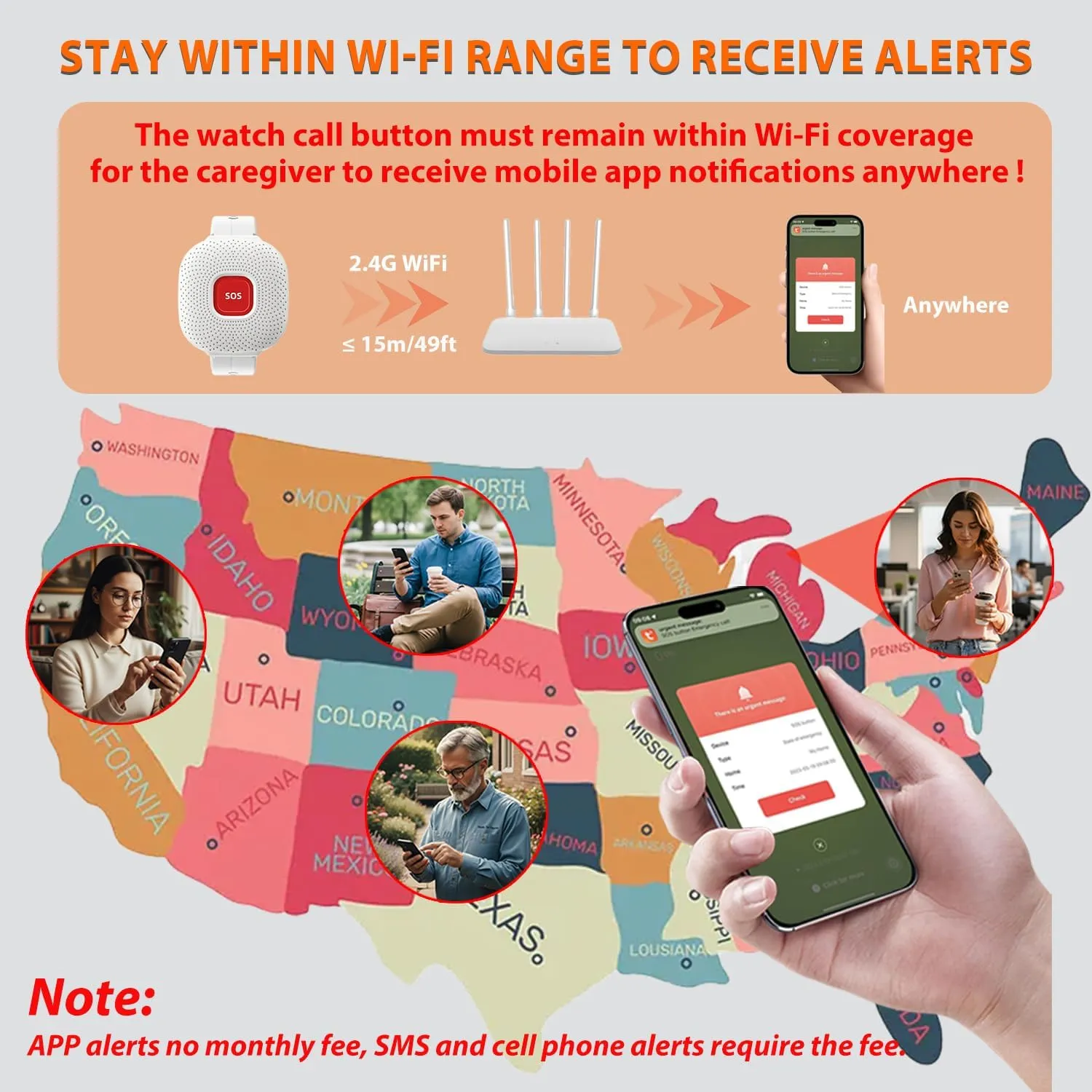
A quick USB recharge and long standby make the button easier to keep in your daily routine. It connects through a 2.4 GHz home Wi-Fi network, while the linked phone can receive the app notification from elsewhere when online.
Pair the button in the companion app while your phone is connected to a 2.4 GHz home Wi-Fi network. Follow the in-app steps to add the device and test an alert.
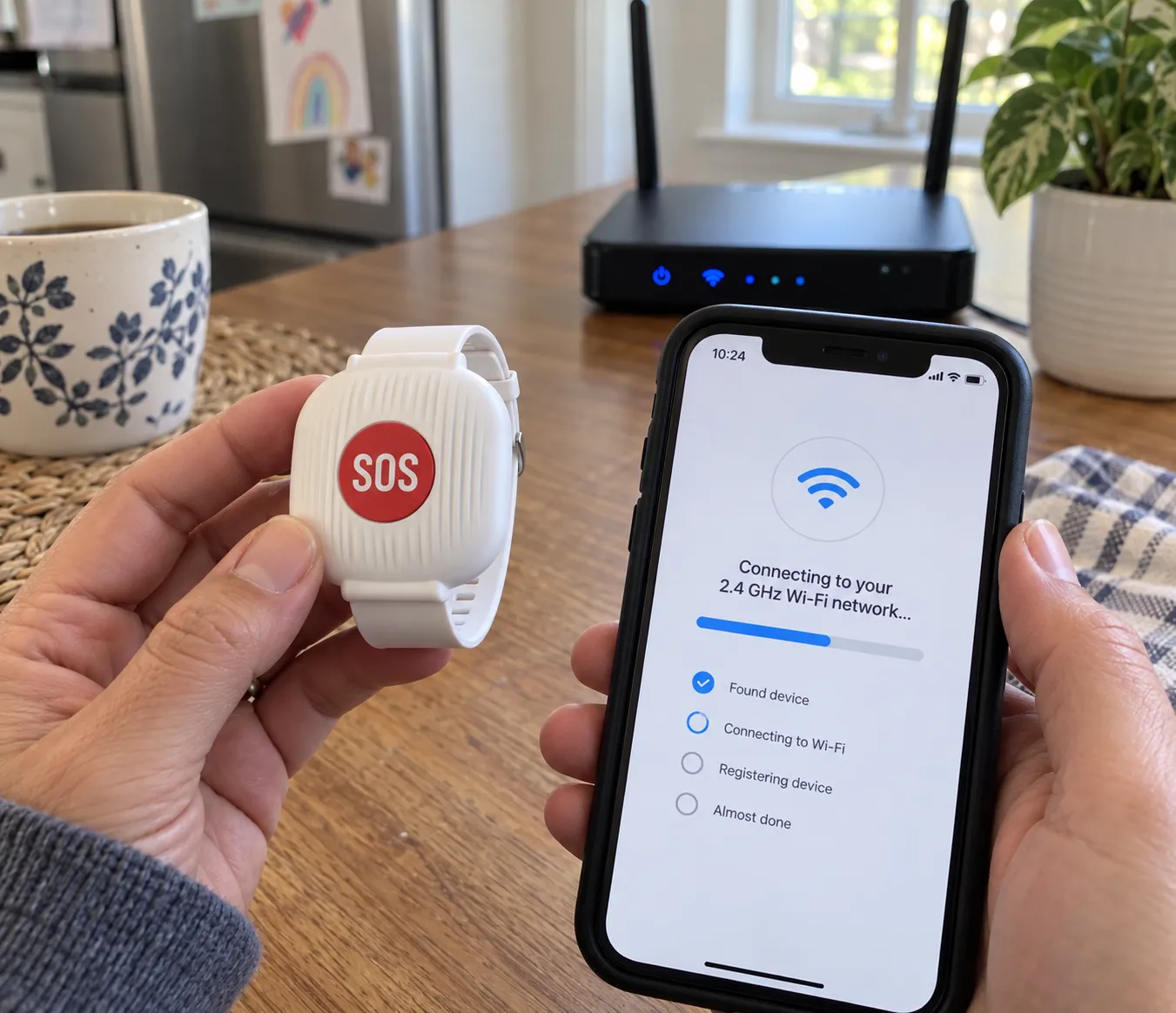
Yes. The button must remain within coverage of its configured home Wi-Fi, while the connected phone can receive the app alert from another location when it has internet access.
The adjustable white band has multiple fit positions. Fasten it snugly enough to stay in place, with the red SOS button facing outward and easy to press.
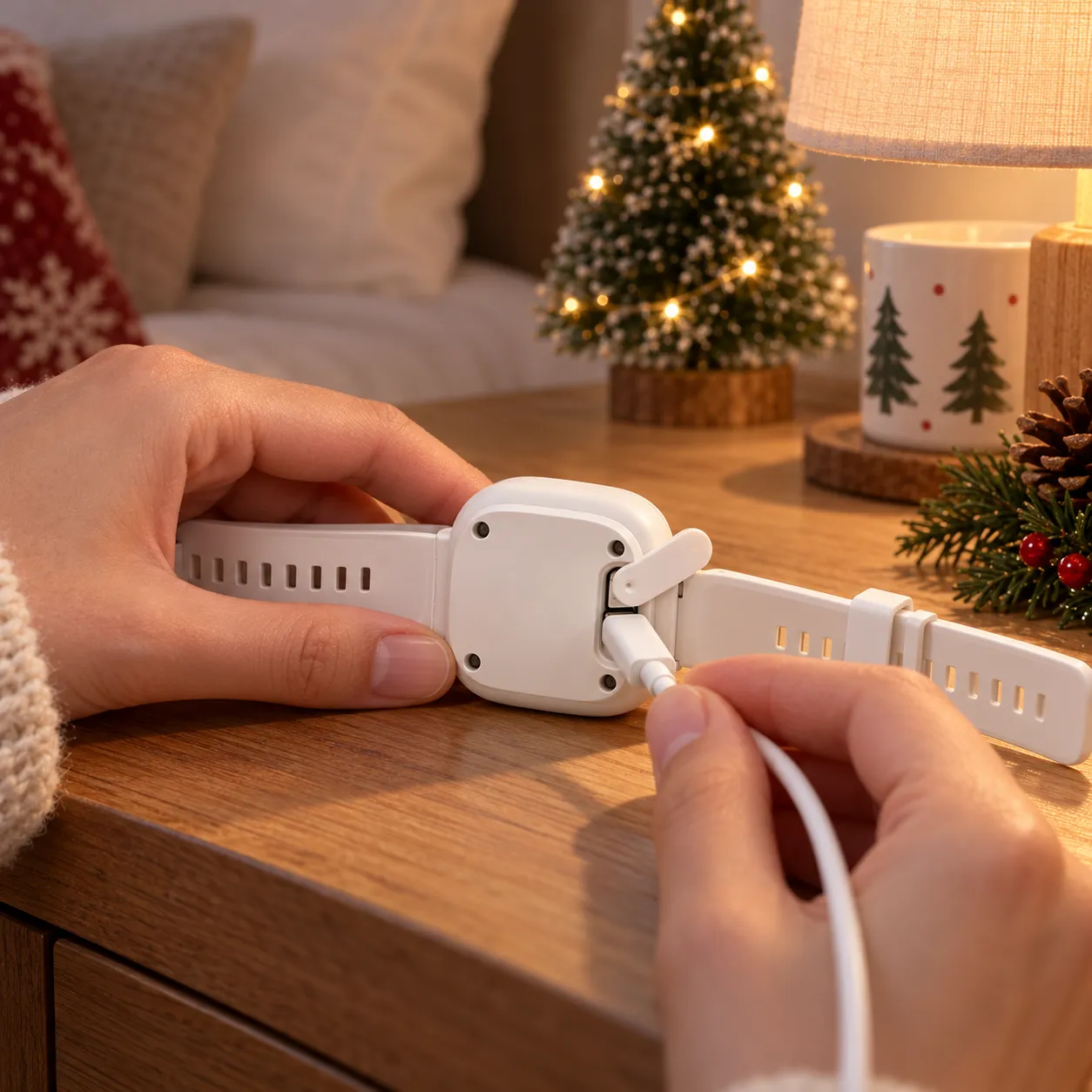
Turn the button over, open the protective cover on the back, and connect a compatible USB charging cable to the exposed port. A full charge takes about 60 minutes; recharge time and standby life can vary with use and network conditions.
It is designed to handle everyday splashes. Avoid submerging it, swimming with it, or exposing it to high-pressure water.
Contact our support team. We can help with pairing, alert testing, charging questions, or the next practical solution if something arrives damaged or does not work as expected.
Home-safety products should feel simple, not stressful. If you run into a pairing, charging, delivery, or product issue, our support team will help you work through setup, replacement needs, or the next best fix.
A Thoughtful Holiday Upgrade for Home
Choose the quantity that fits your household, complete setup together, and keep one-touch help within reach.
Enter your shipping address at checkout to see available delivery options and charges. Availability varies by item and destination. The order confirmation and shipment updates provide the next steps for your order.
Review the product dimensions, included pieces, material, selected variant and power requirements before adding to your bag. Outdoor use must be specifically stated in the product details.
Check the items, quantities, selected variants and total in your bag before payment. Keep your order confirmation for future reference and sign in to your account to view available order details.
Laster
RUVQEN · CHRISTMAS AT HOME
A warmer glow. A thoughtful gift. Little details that make your home feel like the holidays.
Discover Christmas →Explore all finds THE FESTIVE EDIT · 2026
FIND YOUR NEXT LITTLE DISCOVERY
THE RUVQEN EDIT
THE ART OF A FESTIVE WELCOME
A touch of evergreen, a ribbon of red and a gentle glow. Build your seasonal look one thoughtful layer at a time.
Create your Christmas moment →Start with the corner, doorway or table you want to transform.
Choose your lights and check each item's power and placement details.
Mix in the keepsakes and details that make the season feel like yours.
CLEVER FINDS FOR REAL LIFE
A NOTE FROM RUVQEN
Discover seasonal decorations, home essentials and practical finds. Browse for your space, your everyday routines or someone you have in mind.
Find something for you →✓ Product options clearly displayed
✓ Shipping choices at checkout
✓ Review your order before payment
✓ Secure checkout connection
Delivery options and charges depend on your item and address. Please check the details at checkout.
YOUR CHOICE
Check styles, sizes and quantities.
YOUR ORDER
Keep your confirmation for reference.
ruvqen.com